Blog Article
AI Agents Need Action Rules, Not Just Walls: What AWS's Strands Box Shows
AWS released Strands Box in developer preview: a sandbox that limits what an AI agent can reach and what it can do with it. See what AWS published and the rule to adopt for your own agents.

Most teams that run an AI agent ask one question first: what can it reach? Which files, which systems, which accounts. That is a good question. It is only half of the problem.
The other half is what the agent may do with each thing it can reach. An agent that can read your customer data and call an outside API has not broken a rule yet. The risk is the order and the volume of what it does next.
What Did AWS Publish?
On October 7, 2026, the AWS Open Source Blog announced Strands Box in developer preview. The details below are as AWS states them.
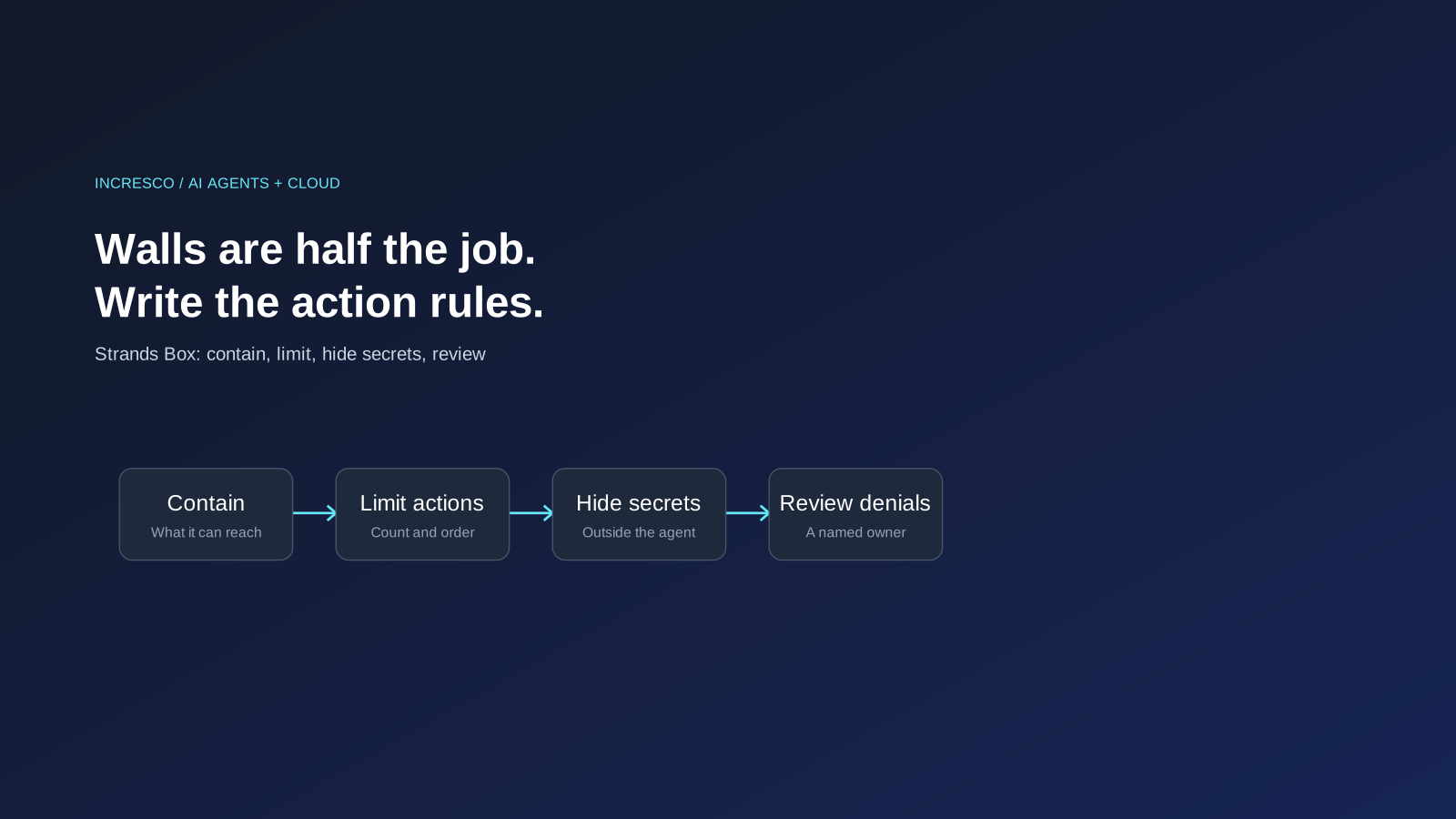
- Two layers. AWS describes containment and policy. Containment uses operating-system isolation, such as macOS Seatbelt, to set what the agent can reach on the host and on the network. Policy then governs which actions the agent can take inside that boundary.
- Open source. Strands Box is licensed under Apache 2.0. It builds on Dogwood, an open source policy language, and the Dogwood Local Engine, which evaluates a policy against the agent’s requested action and its recorded history.
- Policy at several points. AWS lists network egress, a Python interpreter, a Shell interpreter and a broker for Model Context Protocol (MCP) servers as enforcement points. Each reports actions in the same way, so one rule can connect a file read to a later network request.
- Rules that remember. AWS’s example lets an incident agent post to a Slack channel, but no more than three times every 10 minutes. The agent keeps investigating while the box enforces the limit.
- Secrets stay outside. For configured API routes, the agent receives a placeholder token. The gateway swaps in the real secret on the way out, so the real secret never enters the agent’s environment.
- Where it stands. AWS says it is starting with macOS. Support for other operating systems, and packaging agents with Box for platforms such as Amazon Bedrock AgentCore, ECS or Kubernetes, are listed as future goals.
Why Should Business Teams Care?
You may never run Strands Box. The point is the idea behind it, which AWS makes plainly: isolation alone does not enforce contextual rules. Once an agent can reach a tool, you still need to define what it can do with it.
That applies to any agent you put in front of real systems. A WhatsApp agent that can send messages, a Salesforce agent that can update records, a support agent that can issue refunds. Each has access. What matters is the limit on each action: how many, how fast, in what order, and what happens after it has touched sensitive data.
AWS also makes a point about built-in permission prompts. It says they run inside the agent’s own process and judge the tool call, not its effect, and that rule formats differ between tools. A rule enforced outside the agent is easier to review and to keep consistent.
What to Check for Your Own Agents
These steps are our recommendations, drawn from the ideas AWS describes. They do not depend on any one product.
1. List What Each Agent Can Do, Not Only What It Can Reach
For every agent, write down each action it can take: send, update, delete, pay, post. Mark the ones a person would want to approve.
2. Set a Limit on Every Action That Repeats
Messages per hour, records changed per run, refunds per day. A cap turns a runaway loop into a short, visible event.
3. Write Rules That Depend on History
Decide what an agent may not do after a certain step. For example, no outbound message after it has read a restricted record. Not every tool can express this, so check which of yours can.
4. Keep Secrets Out of the Agent
Give the agent a way to act without holding the real credential, so that a bad instruction cannot leak it.
5. Make Refusals Readable
When a rule blocks an action, the agent and the team should see which rule fired and why. AWS notes that its denials name the rule and carry a description, so the agent can adjust instead of retrying.
The Rule to Adopt
Every AI agent gets a written action policy before it gets access: what it may do, how often, in what order, enforced outside the agent, with a named owner who reviews the refusals.
How Incresco Helps
Incresco builds web and mobile applications, cloud systems, Salesforce solutions, WhatsApp experiences and AI agents. For agents, we would map each action, set limits and approval points, and put the enforcement outside the agent. See our AI transformation, cloud and system integrations services.
Not sure what your AI agents are allowed to do today? Contact Incresco and ask for an AI agent action-policy review. We will list each agent’s actions, flag the ones without limits and tell you what to fix first.
Sources and Scope
- AWS Open Source Blog, Introducing Strands Box: AI agent sandboxes powered by Dogwood, October 7, 2026: developer preview, Apache 2.0 license, containment and policy layers, enforcement points, the Slack rate-limit example, credential handling, macOS start and planned work.
Source checked October 10, 2026. We did not test Strands Box. Statements about it are attributed to AWS. It is a developer preview, and availability and features may change.
Related Articles
Business
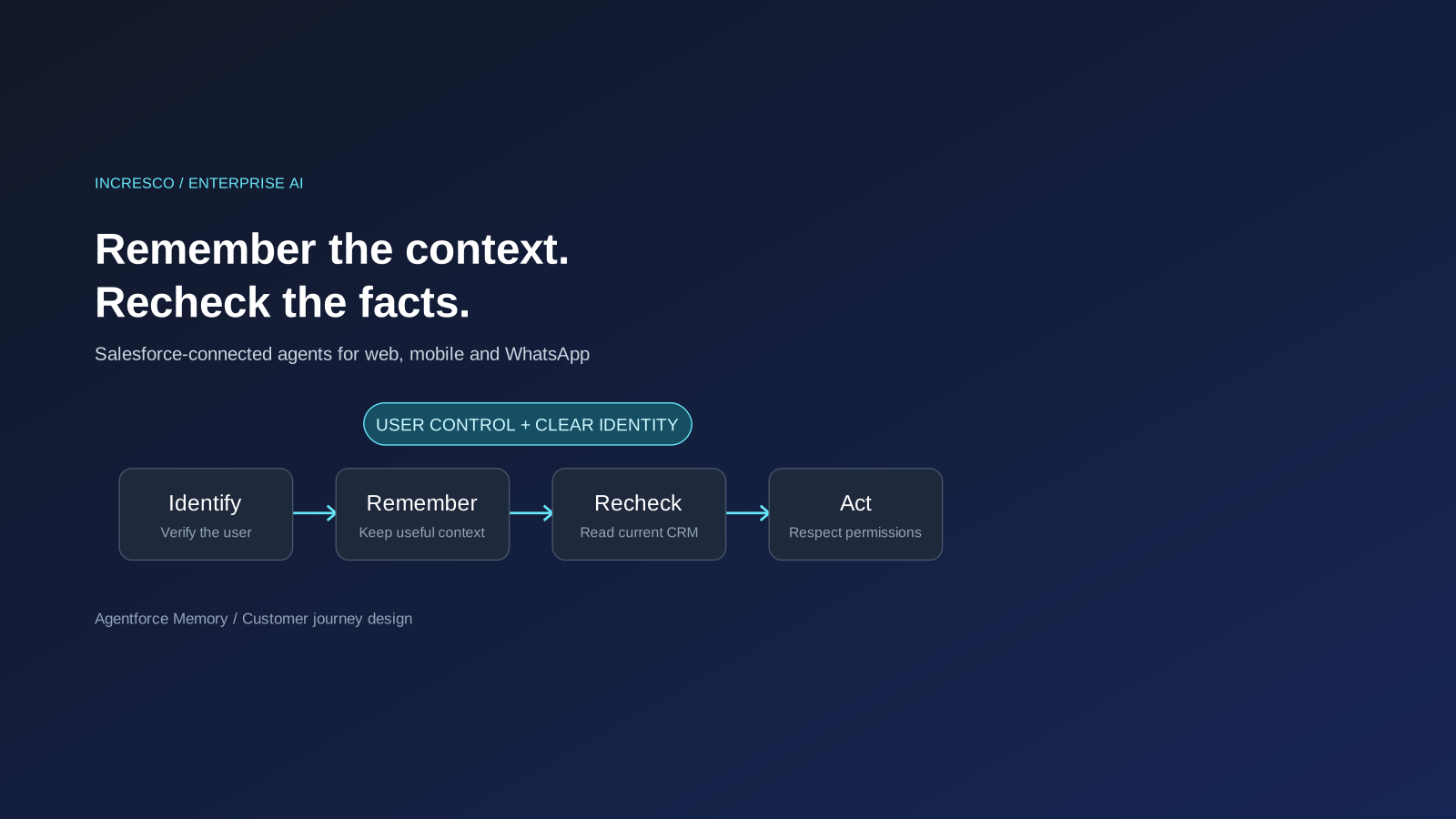
Agentforce Memory: What Salesforce and WhatsApp AI Agents Should Remember
Salesforce's new Agentforce Memory engineering article explains persistent context. What should web, mobile and WhatsApp AI agents remember, refresh or forget?
Read Insight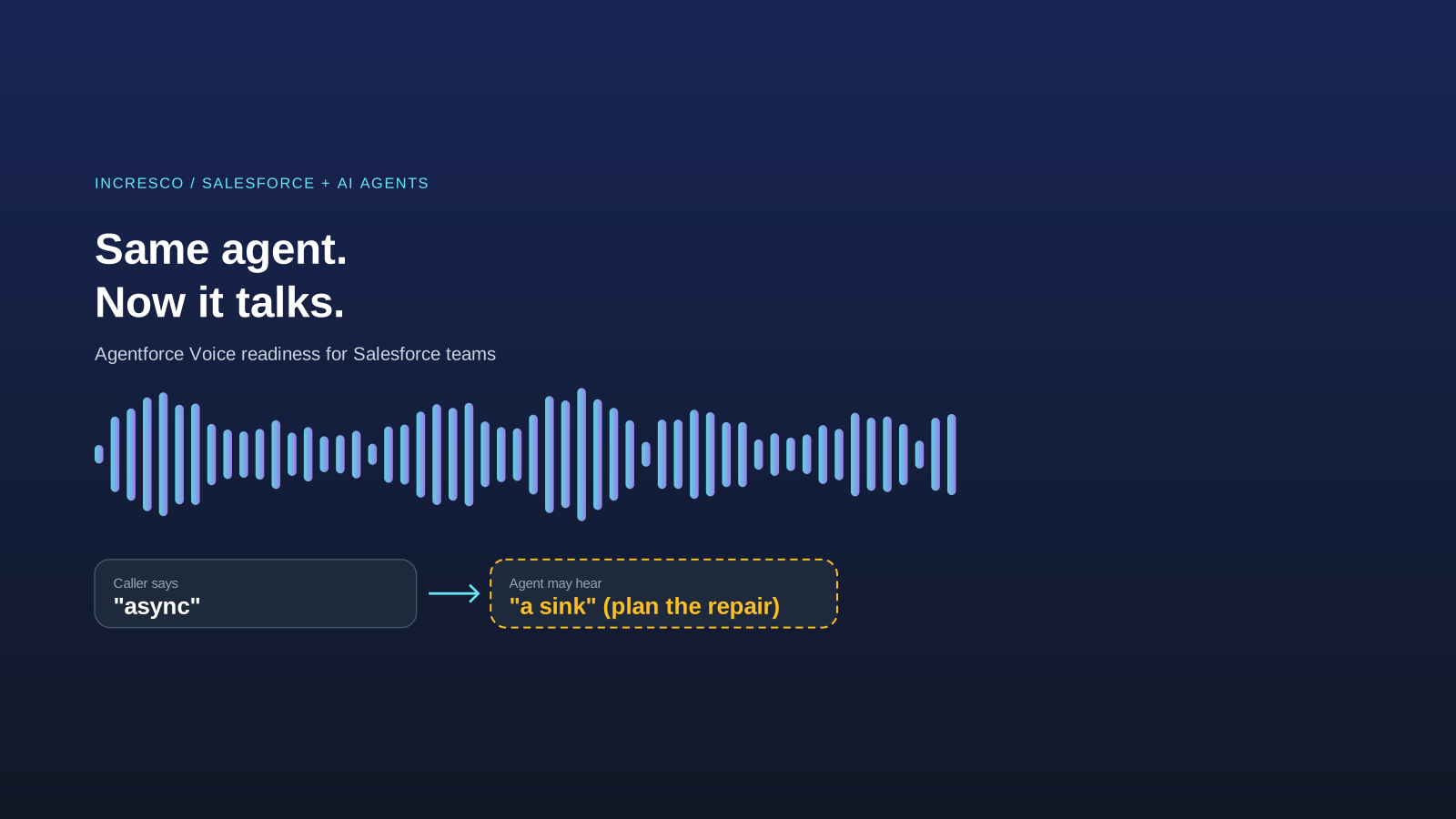
Engineering
Agentforce Voice for Agent Script: What to Check Before Your Salesforce Agent Starts Talking
Salesforce says you can add voice to an Agent Script agent without a rewrite. See what your org needs first and how to write agent instructions for the ear.
Read Insight