Blog Article
Agentforce Voice for Agent Script: What to Check Before Your Salesforce Agent Starts Talking
Salesforce says you can add voice to an Agent Script agent without a rewrite. See what your org needs first and how to write agent instructions for the ear.

Many customers would rather call than type. If your company already runs a Salesforce Agentforce agent in chat, the next question is whether it can also talk. A Salesforce developer post from October 1, 2026 says it can, and that adding voice to an Agent Script agent “is not a rewrite”.
This guide explains what Salesforce says, what your organisation must have in place first, and how to prepare for the problems that speech brings. Product details come from Salesforce. The recommendations are ours.
What Does Salesforce Say About Agentforce Voice?
In its Developers Blog post on voice-enabling Agent Script agents, Salesforce says:
- Agentforce Voice lets an Agentforce agent hold a spoken conversation, and it is “available today”.
- Voice-enabling an Agent Script agent takes two steps: configure the agent for voice, then adjust its instructions for how it speaks.
- Configuration means enabling Agentforce Voice in your org, then adding three blocks to the script: a language, a telephony connection and a voice setting for the model and persona.
- Agentforce Voice runs on Salesforce Voice with Telephony Providers, formerly Service Cloud Voice. The connection can be a browser voice preview, or phone support through Amazon Connect or a partner provider.
- The voice version works only in an org where an admin has turned Agentforce Voice on. As of the post’s writing, a free Developer Edition org does not include the full setup.
- Voice mode works only with certain languages, and Salesforce lists the voice models it supported at the time.
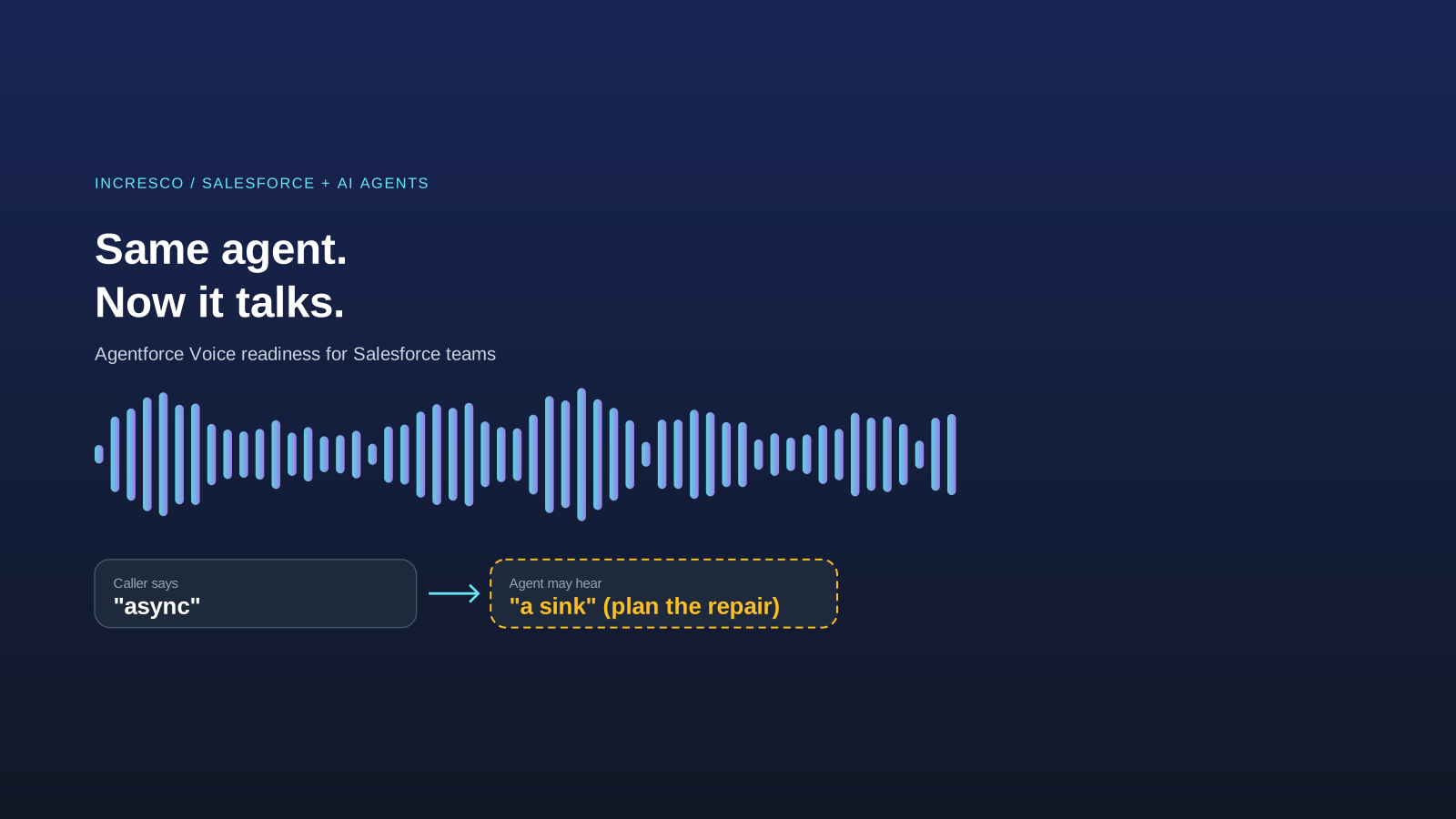
Salesforce also notes that the agent receives a speech-to-text transcript, not raw audio, and that the transcript is not always right. Its example: a user says “async” and the agent receives “a sink”.
Why This Matters to the Business
A voice agent reaches customers who will not use a chat window. It also fails differently. A chat reply that reads well can sound robotic aloud, and a misheard product name or reference number can send a caller down the wrong path. A voice pilot that skips these points creates more frustration than it removes.
What to Check Before You Start
These steps are our recommendations, based on the Salesforce post.
Confirm the Org and the Telephony Setup
Ask your Salesforce admin whether Agentforce Voice is turned on and which telephony connection you use. Salesforce suggests a quick check: open an agent in Agentforce Builder and see whether Telephony appears when you add a connection. Plan time for the phone provider setup. It is not a script change.
Check Language Support
Confirm that every language you serve is supported for voice before you promise it. The post says unsupported languages cause warnings, and that a persona belongs to one model and language.
List the Words Your Callers Say
Collect product names, plan names, place names and reference formats. Test how the speech-to-text step renders them. Add instructions that tell the agent to repair obvious mishears from context, as Salesforce recommends.
Write Replies for the Ear
A listener cannot reread a sentence. Keep replies short, use full sentences, say symbols and codes in words, and never read formatting aloud.
Design the Handoff
Decide when the agent passes a caller to a person, such as unclear identity, a disputed charge or repeated misunderstanding. Test that the person receives the context, so the caller does not repeat everything.
Test With Real Calls and Measure
Run test calls with different accents, background noise and fast speech. Compare resolved calls, handoffs and caller feedback with your current phone line before you widen the pilot.
The Rule to Adopt
Never copy a chat agent’s design onto a new channel. Every new channel, voice included, needs its own test of how it fails, its own wording and its own handoff to a person. Run that test before launch and again each time the channel changes.
How Incresco Helps
Incresco builds web and mobile applications, cloud integrations, Salesforce solutions, WhatsApp experiences and AI agents. For a voice pilot, we would check your org setup, design the conversation and handoff, connect the agent to your records and telephony, and test with real calls. See our Salesforce consulting and AI transformation services.
Thinking about voice for your Salesforce agent? Contact Incresco and ask for a voice readiness review. We will check your org setup, list the words your callers use, design the handoff and plan a test with real calls.
Sources and Scope
- Salesforce Developers Blog, October 1, 2026: Agentforce Voice for Agent Script: voice-enabling steps, org requirement, telephony options, Developer Edition note and speech-to-text caveat.
- Salesforce, Agentforce Voice: product page.
Sources checked October 8, 2026. We did not test the feature. Salesforce statements are attributed to Salesforce. Availability, supported languages and models depend on your org and may change.
Related Articles
Business
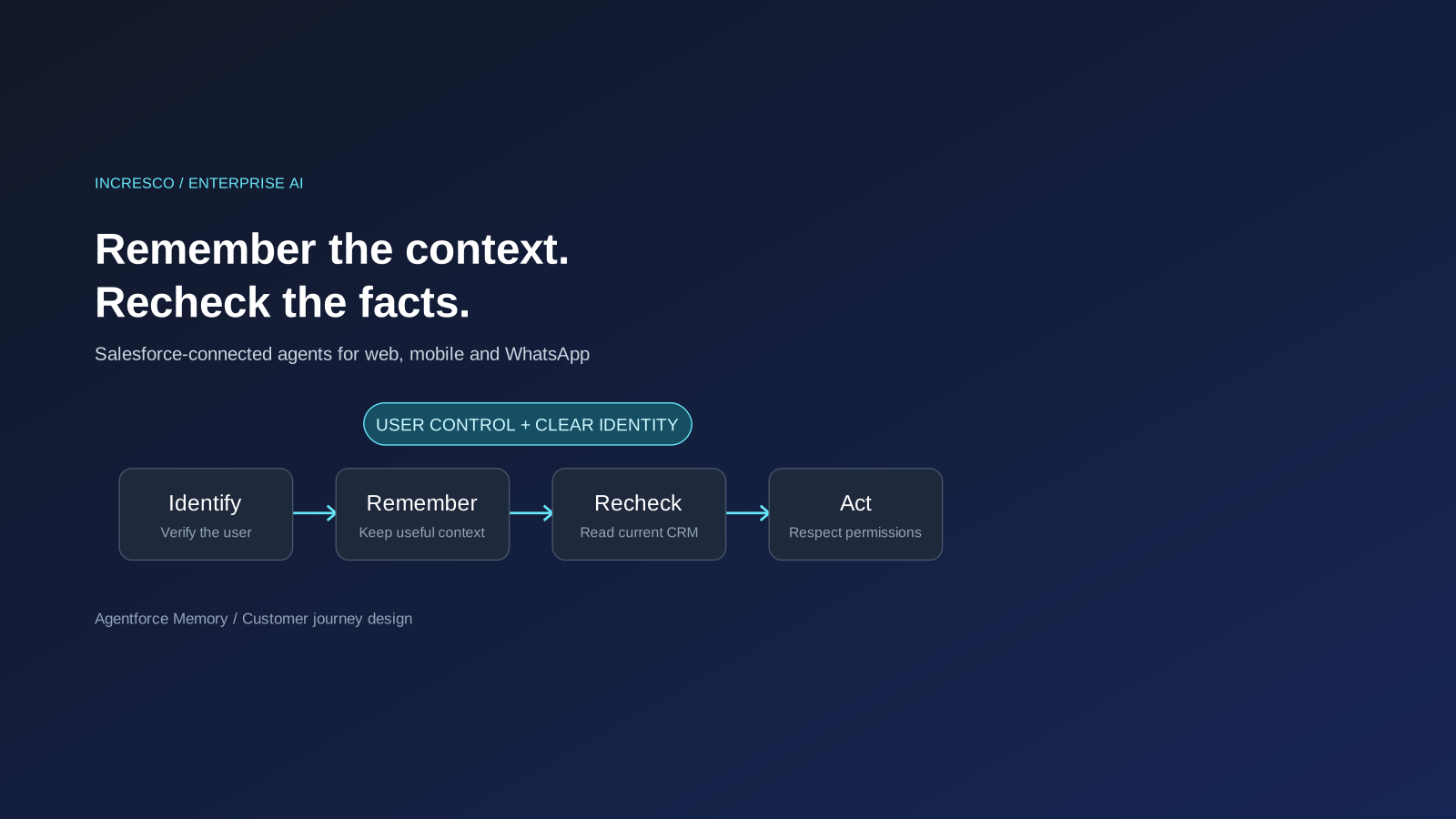
Agentforce Memory: What Salesforce and WhatsApp AI Agents Should Remember
Salesforce's new Agentforce Memory engineering article explains persistent context. What should web, mobile and WhatsApp AI agents remember, refresh or forget?
Read Insight
Engineering
From AI Assistant to AI Engineer: How Agentic Coding Changes the SDLC
Discover how AI coding agents are transforming the SDLC, from requirements and development to testing, deployment, and engineering roles.
Read Insight