Blog Article
Salesforce Winter '27: Which of Your Integrations Could Stop Working, and When
Salesforce Winter '27 sets dates for retiring old login methods and for refresh tokens that expire when unused. See what Salesforce published and how to check your integrations.

Some of the most important connections to your Salesforce org run quietly in the background. A nightly sync, a WhatsApp bot that looks up a case, an AI agent that writes a record. Nobody opens them for weeks, and nobody remembers who set them up.
The Winter ‘27 release puts dates on that kind of connection. Salesforce says some old login methods are being retired and that refresh tokens will now expire after a period of inactivity. An integration that nobody touches can stop working on a fixed day.
What Did Salesforce Publish?
The details below come from the Salesforce architect guide to the Winter ‘27 release, published October 5, 2026, and the Salesforce Developers Blog guide to the same release. All dates are as Salesforce states them.
- Refresh tokens expire after 30 days of inactivity. From November 4, 2026, a production refresh token that is not used for 30 days expires. Salesforce warns that this may break integrations that run rarely and assume a token stays valid forever.
- The OAuth 2.0 device flow is restricted from November 30, 2026.
- Username-password, user-agent and hybrid user-agent flows are retired on February 20, 2027.
- SOAP
login()needs a new permission from December 1, 2026. Every user who signs in with SOAPlogin()needs the Use Any API Auth user permission, in all orgs. Salesforce also says SOAPlogin()in API versions 31.0 through 64.0 retires in Summer ‘27. - Connected app support ends by Summer ‘27. Salesforce asks teams to move to external client apps. It describes these as default-closed and as separating the app’s settings from administrative policies.
- Salesforce to Salesforce and the legacy cross-org adapter login change in Spring ‘27. Salesforce to Salesforce is fully retired, and cross-org adapter authentication must move to named credentials.
The Salesforce release notes carry the exact scope of each change. Check them for your org and edition before you plan.
Why Should Business Teams Care?
These are not new features you can ignore. They are dates after which something that works today may not.
Salesforce names connections that run rarely as the ones at risk from the 30-day rule. Examples are a quarterly export, a month-end report feed or a seasonal campaign. The token behind them can go idle for more than 30 days, and the first sign of trouble could be a failed job or a missing report.
Agents add another reason. A WhatsApp or AI agent that reads and writes Salesforce records depends on one of these connections. As we read it, if that connection fails, the agent could keep replying to customers while its work never reaches your CRM.
What to Check Before the Dates Arrive
These steps are our recommendations, based on the Salesforce guidance above.
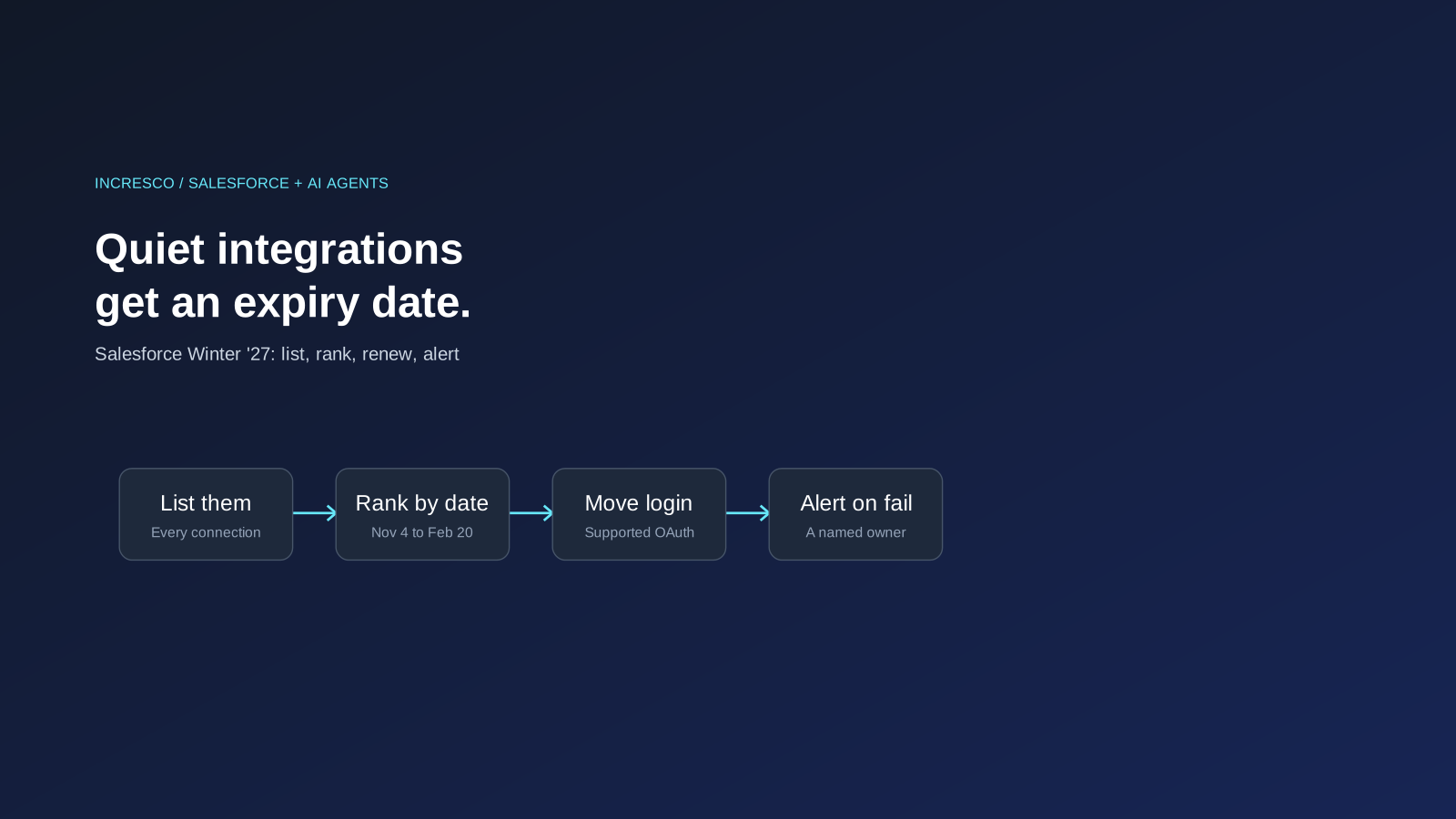
1. List Every Inbound Connection
Write down every tool, script, app and agent that signs in to your org. Include the ones built by former staff or suppliers. For each, note the owner, the login method, and how often it runs.
2. Sort by Date and by Frequency
Put the integrations that use retiring login methods first, ordered by the dates above. Then mark the ones that run less often than once a month. They are the ones the 30-day rule can catch.
3. Move to a Supported Login Method
Replace retired methods with a supported OAuth pattern, and plan the move from connected apps to external client apps. Salesforce suggests choosing the most secure option each system can support, and not moving to another pattern that is already heading for restriction.
4. Decide What Happens When a Token Expires
For each integration, decide how it renews or reauthenticates, who is alerted when it fails, and who fixes it. A failure should reach a person within a day, not at month end.
5. Test in a Sandbox First
Run each changed integration against a sandbox copy before you touch production, including one run after a long idle period.
The Rule to Adopt
Every connection to your Salesforce org needs a named owner, a minimum set of permissions and a renewal plan. Review that list every release, so that no integration depends on a credential that nobody is watching.
How Incresco Helps
Incresco builds web and mobile applications, cloud integrations, Salesforce solutions, WhatsApp experiences and AI agents. For this change, we would list your connections, mark the ones at risk by date, move them to supported login methods and add alerts for failures. See our Salesforce consulting, system integrations and AI transformation services.
Not sure which of your integrations or AI agents will fail first? Contact Incresco and ask for a Salesforce integration readiness review. We will list your connections, rank them by Salesforce’s dates and tell you what to fix first.
Sources and Scope
- Salesforce, Winter ‘27 Release Architect Highlights, October 5, 2026: refresh token idle expiry, device flow and legacy login dates, connected apps, Salesforce to Salesforce.
- Salesforce Developers Blog, The Salesforce Developer’s Guide to the Winter ‘27 Release: Use Any API Auth permission from December 1, 2026 and the SOAP
login()retirement in Summer ‘27.
Sources checked October 9, 2026. We did not test these changes in an org. Salesforce statements are attributed to Salesforce. Dates, scope and availability depend on your org and edition and may change.
Related Articles
Business
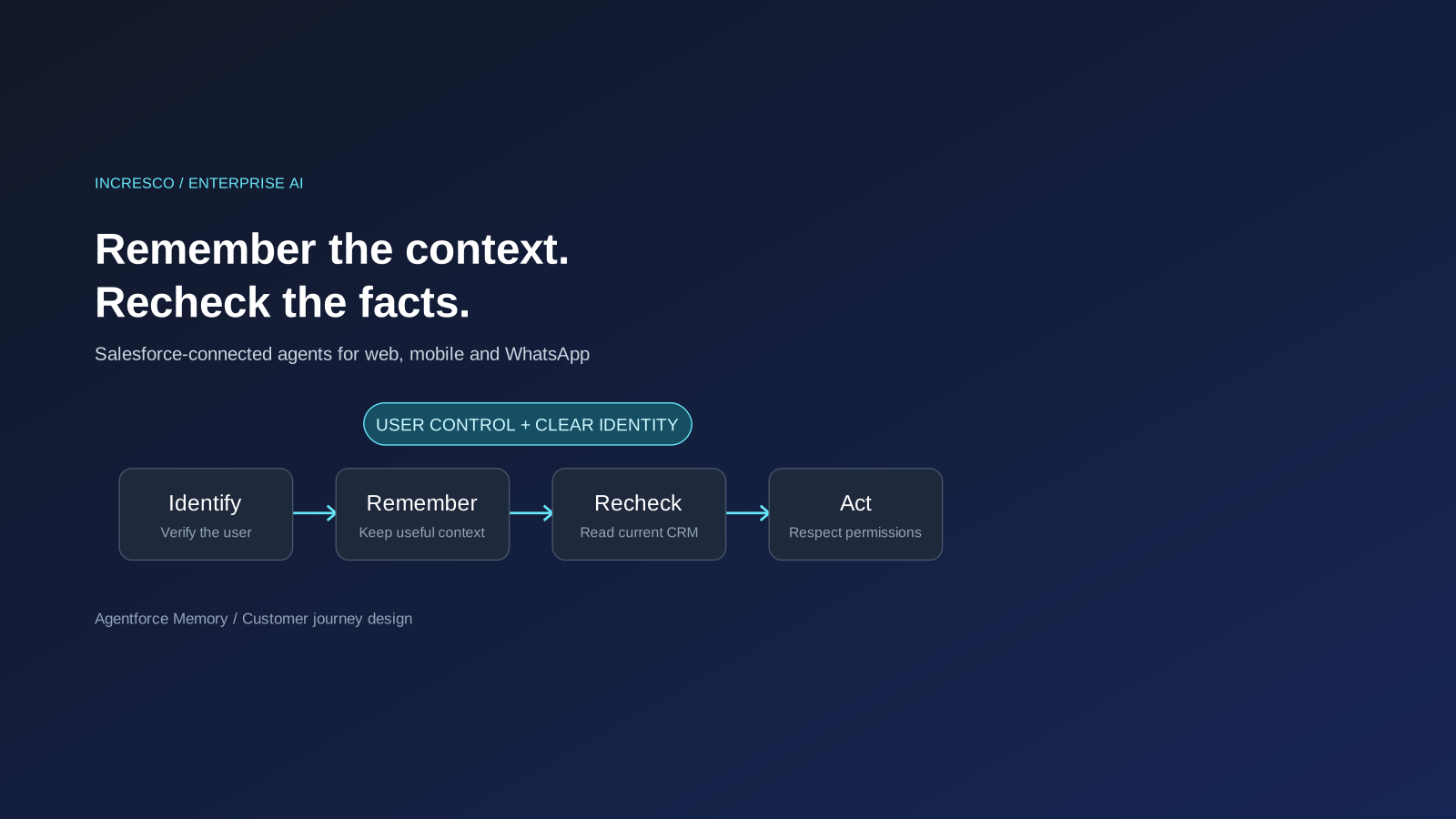
Agentforce Memory: What Salesforce and WhatsApp AI Agents Should Remember
Salesforce's new Agentforce Memory engineering article explains persistent context. What should web, mobile and WhatsApp AI agents remember, refresh or forget?
Read Insight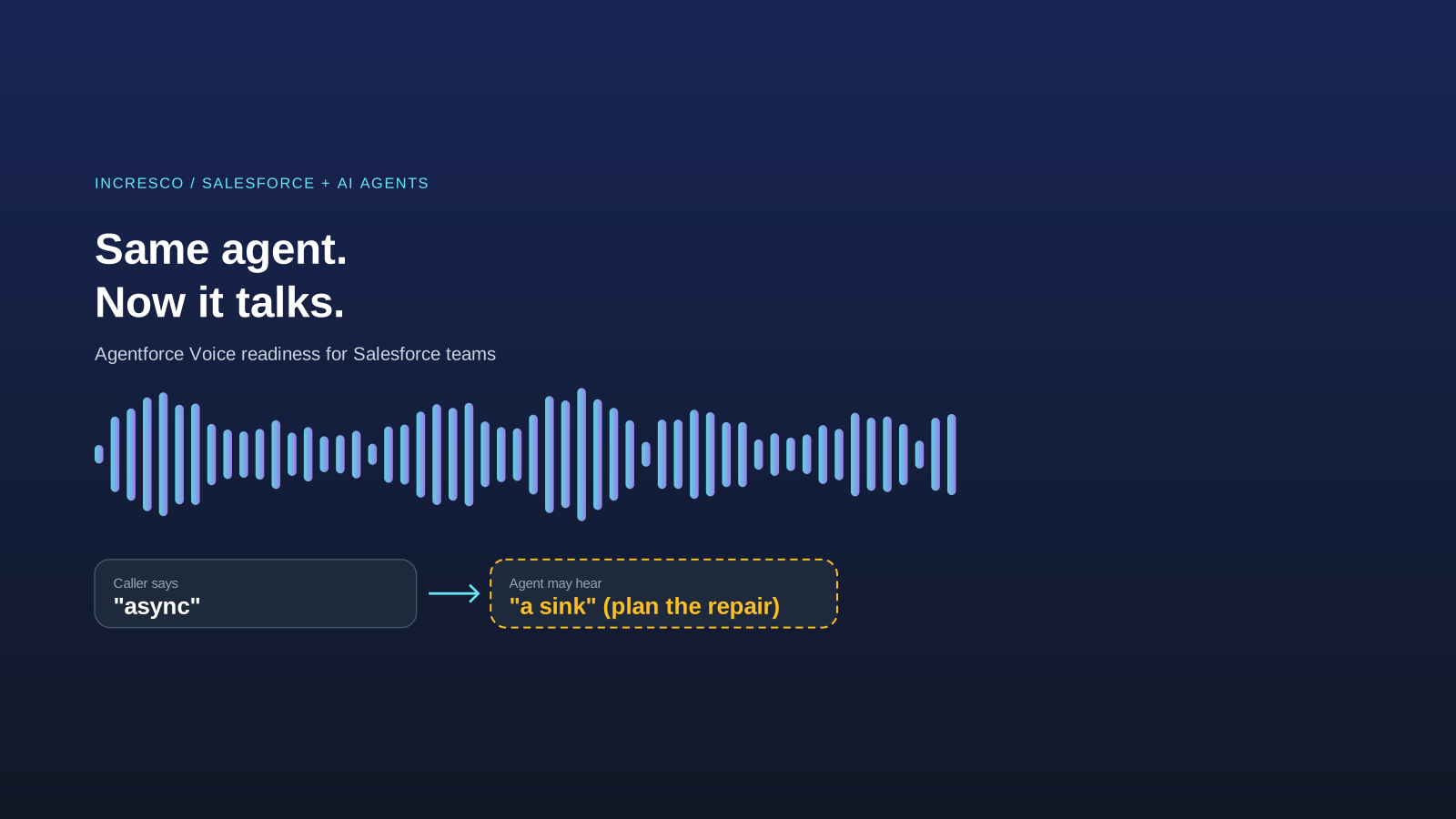
Engineering
Agentforce Voice for Agent Script: What to Check Before Your Salesforce Agent Starts Talking
Salesforce says you can add voice to an Agent Script agent without a rewrite. See what your org needs first and how to write agent instructions for the ear.
Read Insight