Blog Article
Google Cloud's Gemini Agent: What a Universal Work Agent Means for Your Business
Google Cloud announced the Gemini agent, a universal agent for work, at Gemini at Work 2026. See what Google published and the rule to adopt before an AI agent connects to your business systems.

For two years, most business AI has meant a chat box. You ask, it answers, and a person does the work with the answer.
On October 8, 2026, Google Cloud described a different idea: an agent that plans the work, uses tools, connects to business systems and brings back something finished. That is a bigger change for a company than a better chatbot, and it needs a different kind of preparation.
This post is about the enterprise Gemini agent that Google Cloud announced for organizations. It is not about consumer Gemini products.
What Did Google Publish?
On October 8, 2026, Google published a post on its blog about the Gemini agent, announced at Gemini at Work 2026. The details below are as Google states them.
- A universal agent for work. Google Cloud calls it “a universal agent for work.”
- Work starts in the prompt window. Google says Gemini has an organization’s business context and can be used for knowledge work, answering questions, content creation and coding from a single prompt box.
- It plans and acts. Google says the agent plans the work, uses skills and tools, and connects to Google Cloud customers’ business systems.
- It returns finished work. Google says it brings back something finished, inside the documents, the inbox and the developer environments people already use.
- Model choice. Google says it chooses the best model for the job.
- Cost and governance. Google says it has built-in cost controls and the security, administration and governance that enterprise customers require.
Google points readers to the Google Cloud blog for more detail. We could not read that post, so this article covers only what Google states in the post above.
Why Should Business Teams Care?
A chatbot can give a wrong answer. An agent that connects to your systems can take a wrong action.
When software plans work and uses tools on its own, the questions change. What is it trying to achieve? What can it open, change or send? Who checks what it brings back? What does it cost when it runs all day? Google lists cost controls and governance among the features, which tells you these are the questions buyers will ask.
The same questions apply to any AI agent, from any vendor or built in-house, including the WhatsApp and Salesforce agents many teams are building now.
This is where most companies get stuck. The announcement is easy to read about. Choosing a first workflow, connecting it safely and keeping it under control is the work. Incresco builds AI agents and helps companies through that step as part of their AI transformation.
What to Check Before an Agent Connects to Your Systems
These steps are our recommendations. They do not depend on any one product.
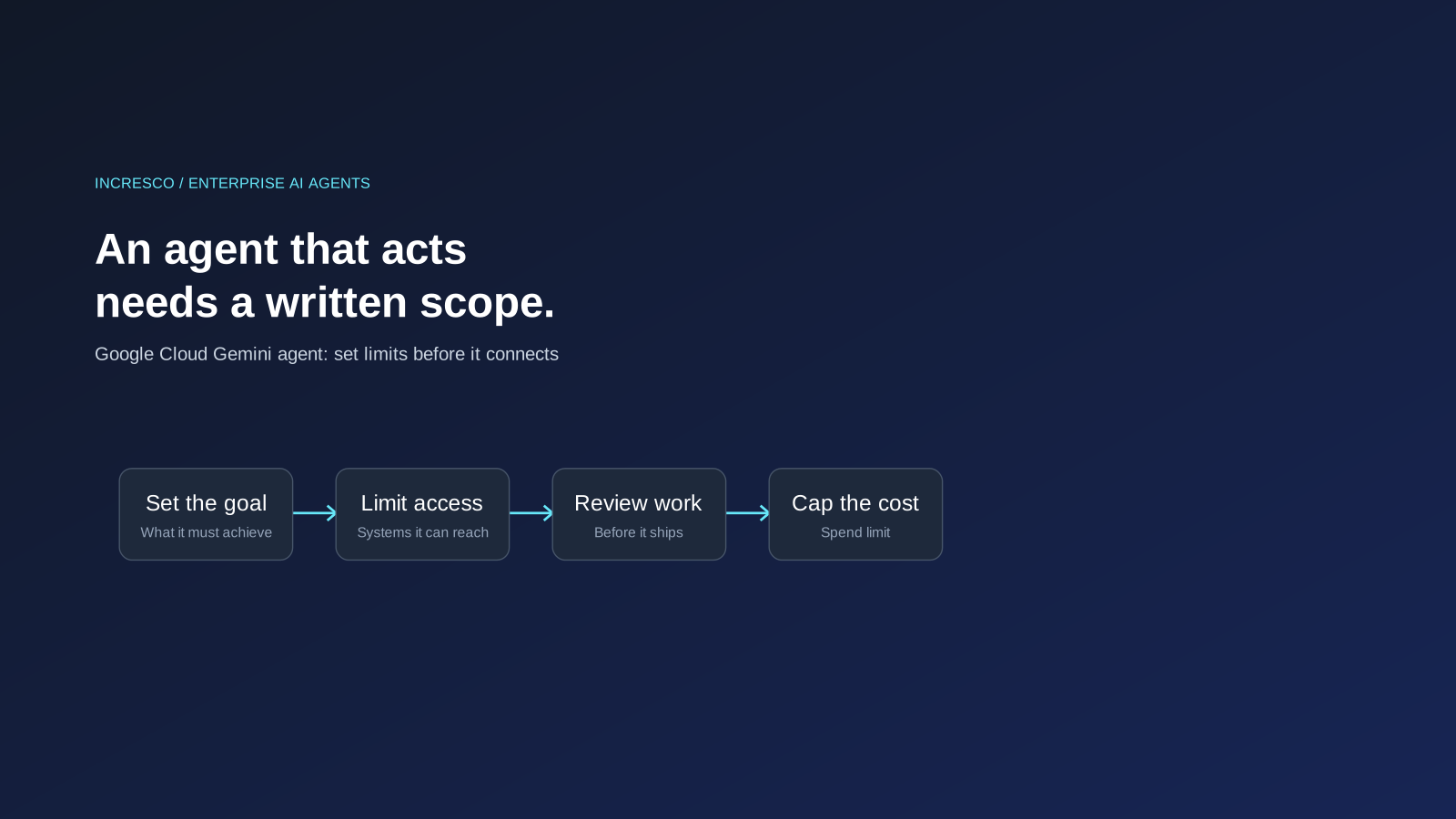
1. Write the Goal, Not Only the Prompt
For each agent, write what outcome it is responsible for and what it must not do. A clear goal is easier to review than a long list of instructions.
2. List the Systems It Can Reach
Name every system the agent can read from or write to. Start with the smallest set. Add access when the agent has earned it.
3. Decide Who Reviews Finished Work
Choose who checks the result before it is sent, published or saved to a record, and which kinds of work can skip that check.
4. Keep a Record of What It Did
You should be able to see what the agent did, when, and on whose behalf. Check what logs each product provides before you rely on it.
5. Set a Cost Limit
Decide how much an agent may spend or use before a person is told. Check what controls the tool offers and test them.
6. Start with One Workflow
Pick a workflow with low risk and a clear result. Measure it, then widen.
The Rule to Adopt
Give every AI agent a written scope before it connects to a business system: its goal, the systems it can reach, who reviews its finished work, and a limit on what it can do and spend.
How Incresco Helps You Move From Awareness to a Working Agent
Whether you adopt Google’s agent or another one, or build your own, the steps in front of you are the same. This is how Incresco works with you on them:
- Find the right first workflow. We map your workflows and rank them by value and risk, so the first agent takes on work that is worth doing and safe to try.
- Define the scope. We write down the goal, the systems it can reach, who reviews its work and its limits, which is the rule above made concrete.
- Build and connect the agent. Incresco builds AI agents, including WhatsApp and Salesforce agents, and connects them to your systems through system integrations.
- Set up review and records. We add the review steps and logging so you can see what the agent did and step in when needed.
- Grow from one workflow to many. Once the first one works, we help you extend it as part of a wider AI transformation plan and AI strategy.
Not sure where an AI agent could safely take work off your team? Contact Incresco and ask for an agentic AI readiness review. We will map your workflows, rank them by value and risk, and tell you which to try first.
Source: Google, Gemini at Work, October 8, 2026. We did not test the Gemini agent. Details may change.
Related Articles
Business
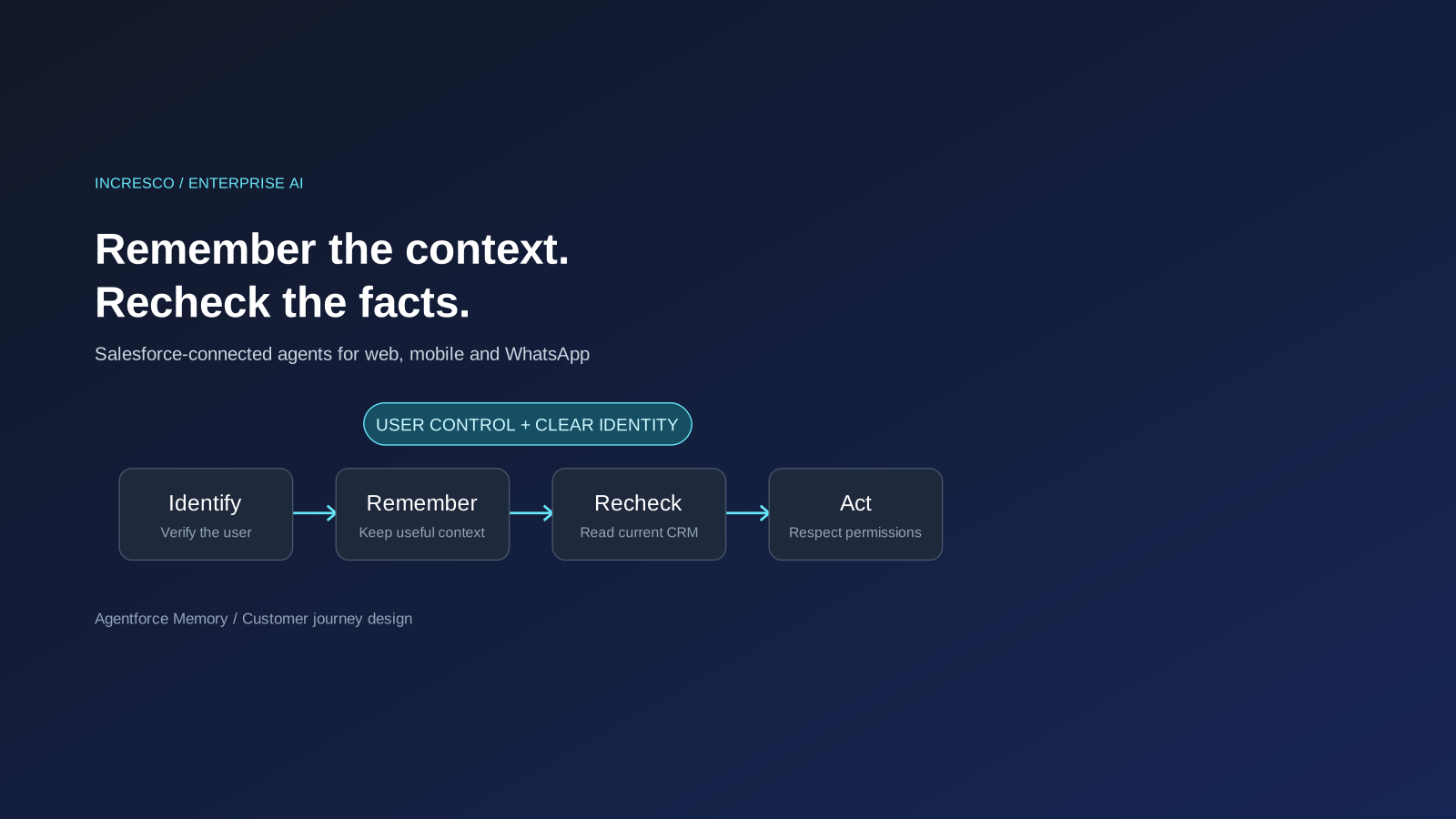
Agentforce Memory: What Salesforce and WhatsApp AI Agents Should Remember
Salesforce's new Agentforce Memory engineering article explains persistent context. What should web, mobile and WhatsApp AI agents remember, refresh or forget?
Read Insight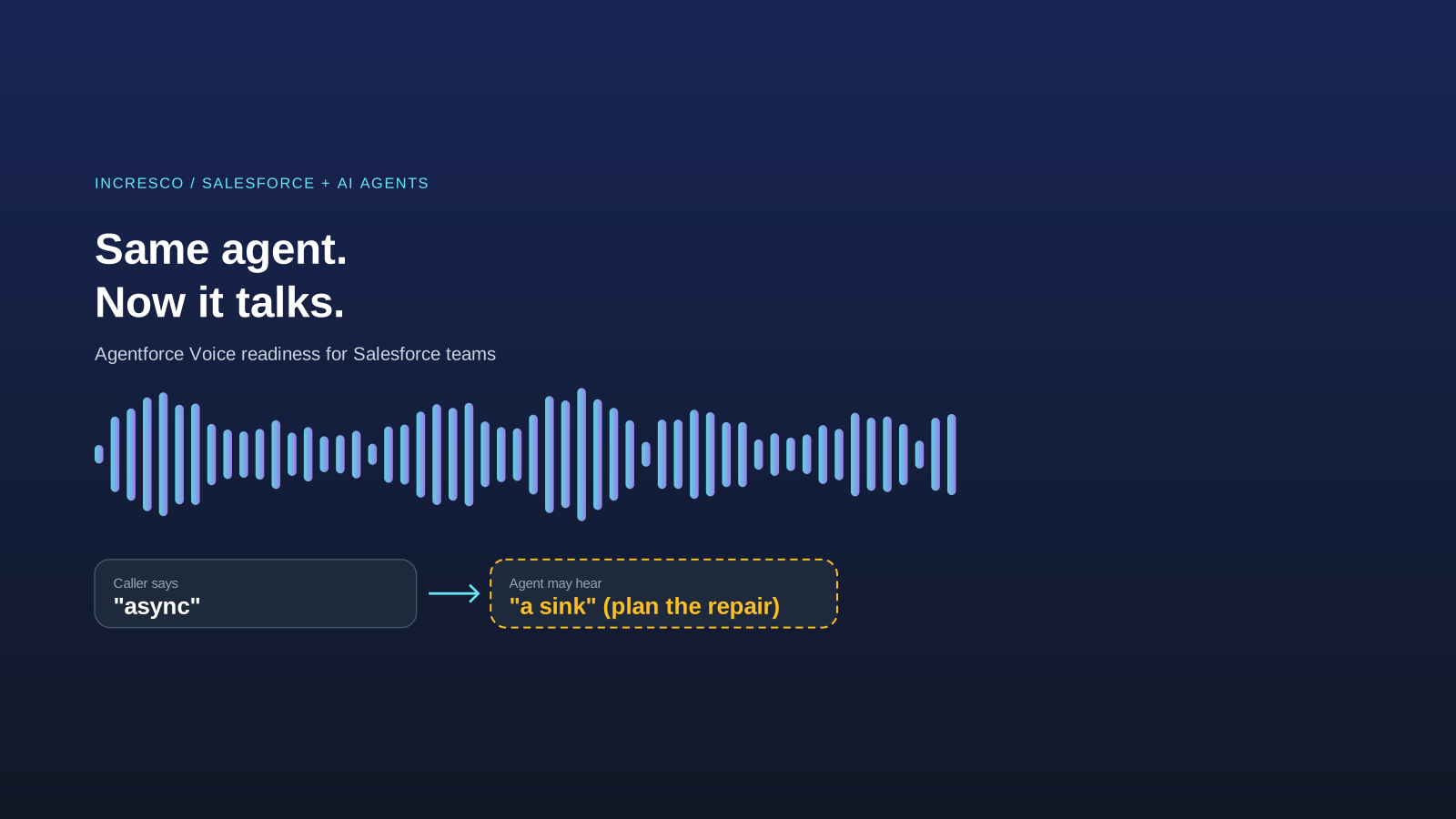
Engineering
Agentforce Voice for Agent Script: What to Check Before Your Salesforce Agent Starts Talking
Salesforce says you can add voice to an Agent Script agent without a rewrite. See what your org needs first and how to write agent instructions for the ear.
Read Insight