Blog Article
Google AI Edge Foresight: What On-Device AI Meeting Notes Mean for Your Business
Google released AI Edge Foresight, an experimental Mac app that takes meeting notes with AI running on your device. See what Google published and the rule to adopt before AI listens to your meetings.

Meeting notes are one of the first places AI reaches into daily work. They are also one of the places where it touches the most sensitive material: pricing talks, hiring, legal questions, customer problems.
Most AI note tools send the audio to a cloud service. On October 6, 2026, Google showed a different design: an app where the AI runs on your own computer.
What Did Google Publish?
On October 6, 2026, the Google Developers Blog announced Google AI Edge Foresight for Mac, together with a new model called EmbeddingGemma 2. The details below are as Google states them.
- An experimental app. Google calls Foresight “an experimental app” that brings “a context-aware meeting companion directly to your device.”
- Local processing. Google says it is powered by “fully local AI processing” and works with system audio and the microphone, so it works with any meeting platform, “even completely offline.”
- Shorthand into notes. Google says Foresight enriches manual shorthand notes with details retrieved in real time from the current meeting conversation.
- Search across your own material. Google describes retrieval of images, documents, transcripts and notes using natural language, and says it can detect questions in a meeting and answer them live.
- The models behind it. Google says Foresight is powered by EmbeddingGemma 2 and Gemma 4.
- The privacy claim. Google says sensitive information remains on the device.
Google also says EmbeddingGemma 2 is an open-weight model, and that developers can use it to build their own private, on-device search. It describes Foresight as a showcase for that.
Why Should Business Teams Care?
The interesting part is not the note-taking app. It is the pattern: useful AI that works on the device and does not send the content away.
For many businesses, the main blocker for AI in meetings is not quality. It is the question of where the recording and the transcript go. On-device processing changes that question. Google’s claim is that the data stays on the device, and that is a design choice you can plan around.
This is the gap most companies face. The technology is arriving faster than the decisions about where it may be used. Incresco helps close that gap: we work with teams on AI transformation, deciding which use cases should run on a device, which in the cloud, and how to build them with clear data rules.
It also raises new questions. Who may record a meeting? What happens to the transcript on a laptop that is lost? Does an experimental app fit your policies? Google labels Foresight experimental, so it is a way to learn, not a finished product to roll out company-wide.
What to Check Before AI Listens to Your Meetings
These steps are our recommendations, based on the design Google describes.
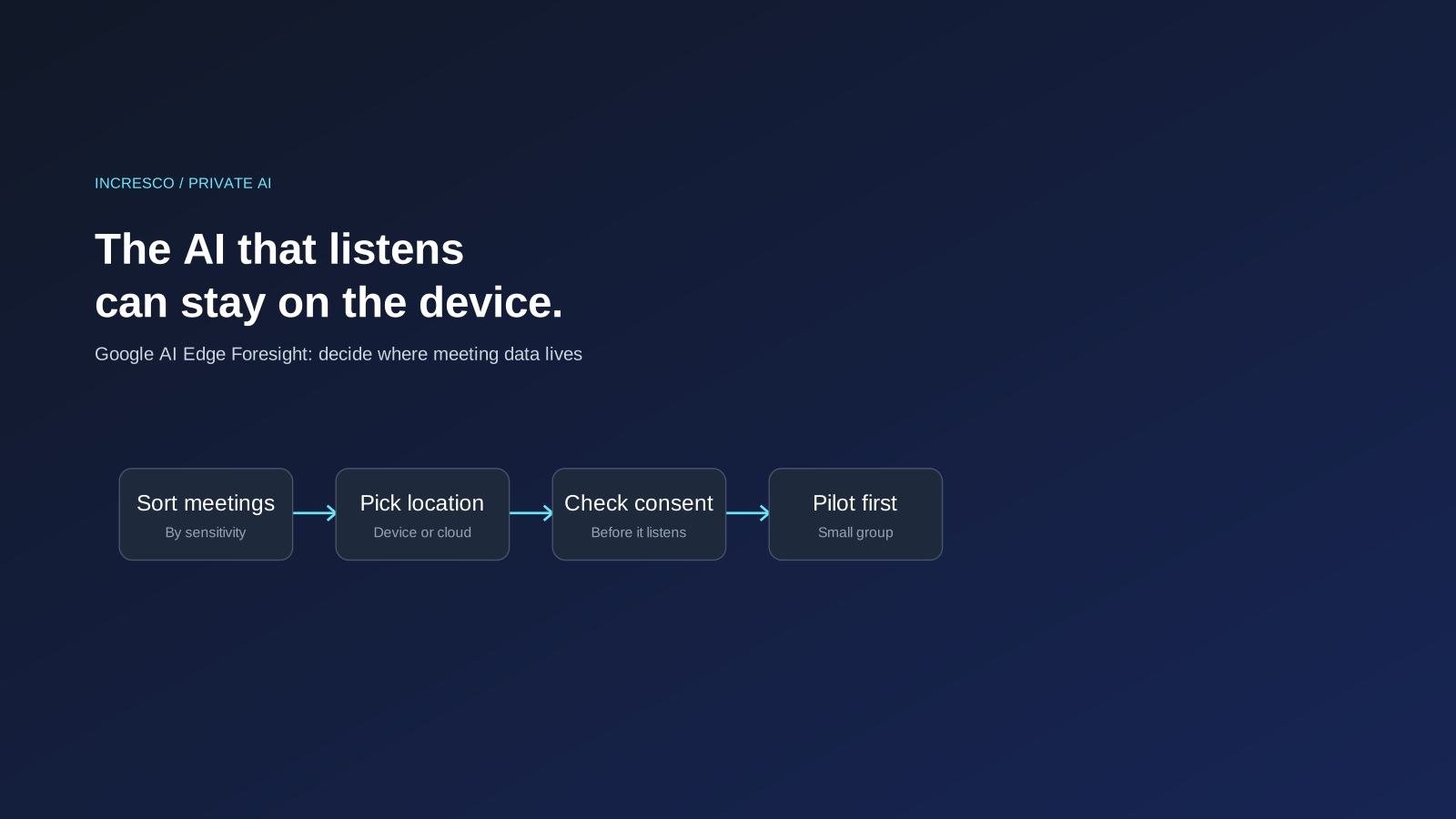
1. Sort Your Meetings by Sensitivity
Decide which meetings could never be sent to an outside service, which could, and which need a person to decide each time.
2. Decide Where the Data Lives
For each kind of meeting, write down where the audio, the transcript and the notes may be stored, and for how long.
3. Check Recording and Consent Rules
Rules on recording and consent differ by country and by company. Check yours before any tool listens, and tell participants.
4. Treat an Experimental App as a Pilot
Try it with a small group on low-risk meetings. Check what it stores on the device and what it does not.
5. Plan for the Device
If the data stays on the laptop, the laptop becomes the place to protect: disk encryption, access control and a plan for loss.
The Rule to Adopt
Before any AI tool listens to a meeting, decide where the data may live: which meetings may use cloud AI, which must stay on the device, and who approves the exceptions.
How Incresco Helps You Move From Awareness to a Working Plan
Reading about on-device AI is the first step. Deciding what to do about it is the harder one. This is the part Incresco does with you as your AI transformation partner:
- Sort your AI use cases by data sensitivity. We map your meeting, document and customer-data use cases and mark which can use cloud AI and which should stay on the device.
- Choose where each one runs. We help you pick between on-device, private cloud and public cloud AI for each use case, and write down the reasons.
- Build a pilot with clear data rules. We design and build a small AI pilot, such as a private meeting or document assistant, with rules for storage, access and retention.
- Connect it to the systems you already use. Incresco builds web and mobile applications, cloud systems, Salesforce solutions, WhatsApp experiences and AI agents, so the pilot can fit into your real workflow instead of sitting on one laptop.
See our AI transformation and AI strategy services.
Not sure which of your AI use cases should run on the device and which in the cloud? Contact Incresco and ask for a private AI readiness review. We will map your meeting and document use cases by sensitivity and tell you where on-device AI could fit.
Source: Google Developers Blog, October 6, 2026. We did not test Foresight. It is experimental and details may change.
Related Articles
Business
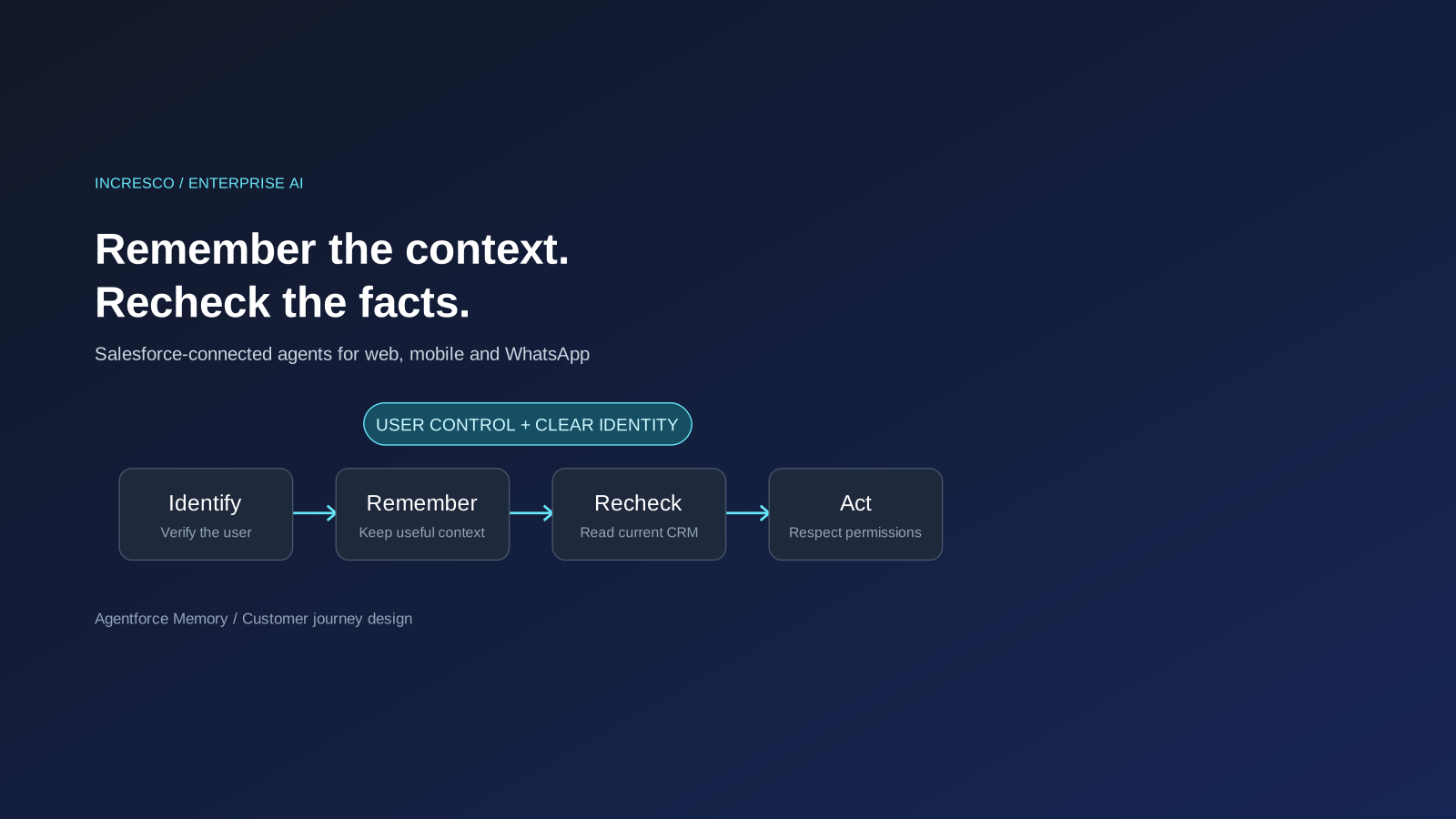
Agentforce Memory: What Salesforce and WhatsApp AI Agents Should Remember
Salesforce's new Agentforce Memory engineering article explains persistent context. What should web, mobile and WhatsApp AI agents remember, refresh or forget?
Read Insight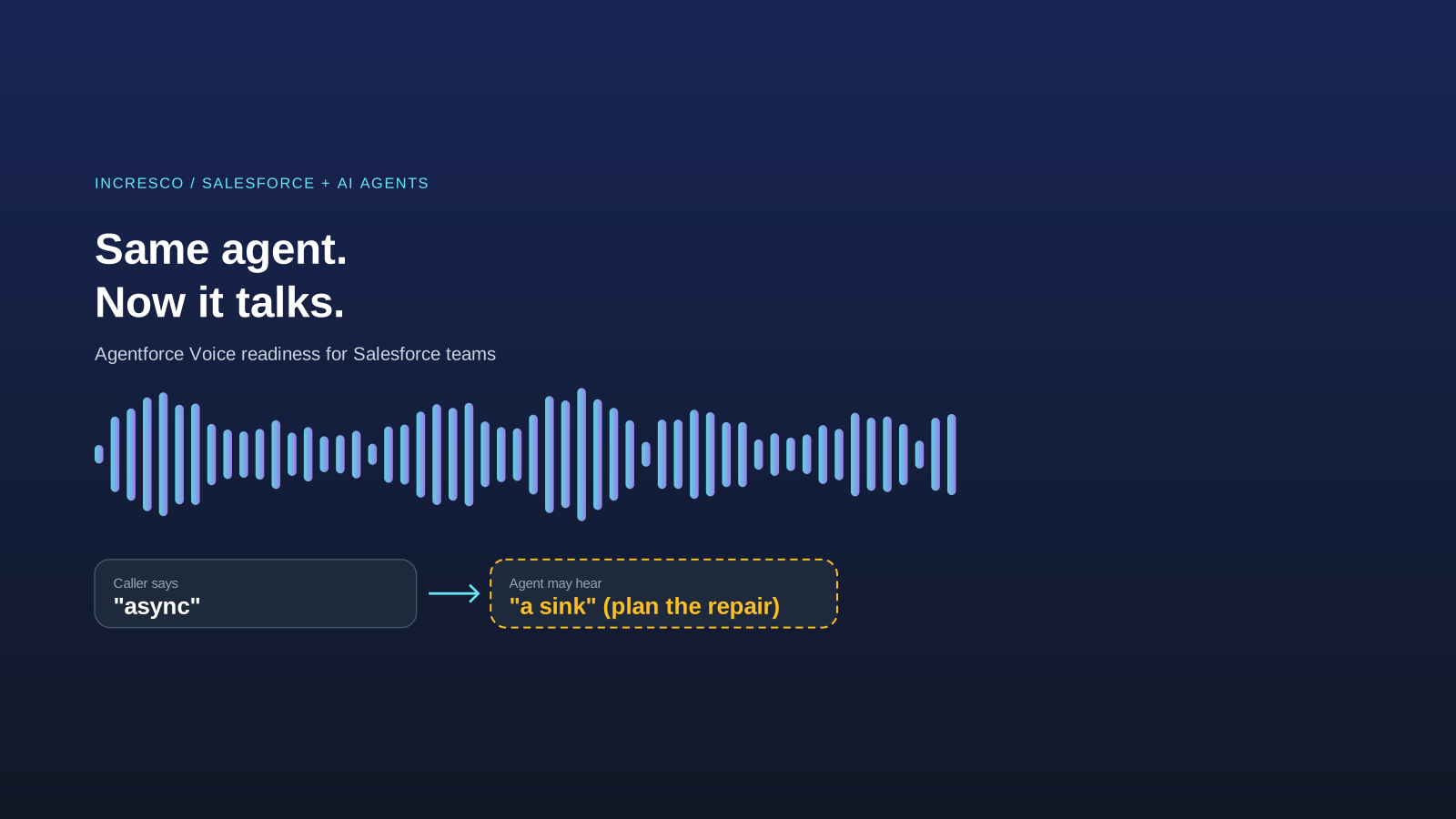
Engineering
Agentforce Voice for Agent Script: What to Check Before Your Salesforce Agent Starts Talking
Salesforce says you can add voice to an Agent Script agent without a rewrite. See what your org needs first and how to write agent instructions for the ear.
Read Insight