Blog Article
Claude Max and Team Plans Now Include Monthly API Credits: How to Put Them to Work
Claude Max and Team plans include monthly credits for the Claude API. See what Anthropic published, what the credits cover, and how to turn them into a working AI agent for your business.

Many companies pay for a Claude Max or Team plan so people can chat with Claude. Anthropic now says those plans also include a monthly credit for the Claude API, the part used to build Claude into your own apps and agents.
For most teams that credit is a budget they did not know they had. It expires every billing cycle, and it only helps if someone builds something that uses it.
What Did Anthropic Publish?
The details below come from Anthropic’s Claude Help Center article, “Monthly API credits for Max and Team plans,” and the matching Claude Platform documentation page. All amounts and rules are as Anthropic states them.
- Included with the plan. The credits come with Max and Team plans, so they are not a separate purchase. Anthropic says you do not need to add a payment method on Claude Platform to claim or use them.
- Who gets it. Max and Team plans, including discounted Team plans. Free, Pro and Enterprise plans are not eligible.
- How much. Max 5x: $100 a month. Max 20x: $200 a month. Team: $20 per Standard seat and $100 per Premium seat.
- Team credits are pooled. On Team plans, credits for all seats go into one monthly balance, capped at $500. Anthropic’s example: three Standard seats and two Premium seats receive $260 a month.
- What it covers. The Claude API (Messages API and Message Batches API), the Playground in the Claude Console, Claude Managed Agents and the Claude Agent SDK.
- What it does not cover. Interactive Claude Code, extra usage in the Claude apps, and Claude on Amazon Bedrock, Google Cloud Vertex AI or Microsoft Foundry.
- How it works. Credits refresh each billing cycle, do not roll over, and are spent before any credits you bought.
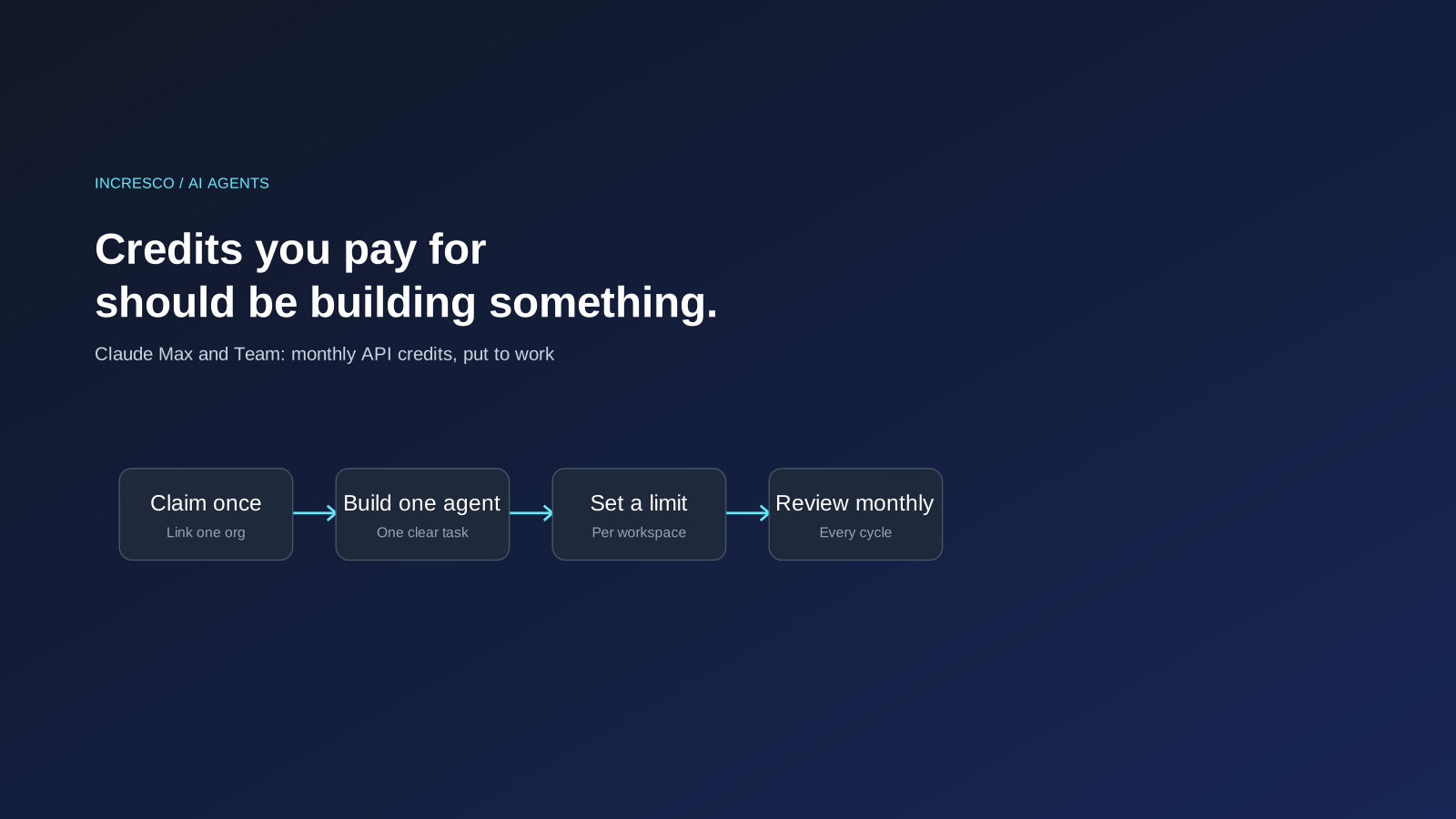
- How to claim. You link one Claude Console organization to your plan. Anthropic says you cannot change the linked organization yourself later, so choose the one you plan to build in. New subscribers can claim after seven days on an eligible plan.
- When credits run out. If the organization has no other credits, API requests stop until the next monthly credits arrive. Usage is never charged to your Claude plan. To keep going, you buy credits or turn on auto-reload in the Console.
Anthropic notes that it is rolling the credits out over a few days. Check the Help Center article for the current terms before you plan around them.
Why Should Business Teams Care?
There is a difference between using Claude and building with Claude. A chat subscription helps individuals. The API credit is for the second kind of work: an agent that answers customers, updates records or prepares documents without someone typing each request.
A monthly credit is a fixed budget for exactly that. How far it goes depends on the model you choose and how often the agent runs, as Anthropic notes. That makes a small, well-chosen first workflow the sensible place to start, so you learn what it is worth before you commit more.
It also comes with decisions that are easy to miss. One person links the organization, and Anthropic says you cannot change that link yourself. Everyone with an API key in that organization draws from the same balance. And credits that nobody uses simply expire.
This is the gap we see: companies have the budget, but no one owns the step from “we have credits” to “we have an agent doing useful work.” Incresco builds AI agents and helps companies take that step as part of their AI transformation.
What to Do Before Your Credits Expire
These steps are our recommendations, based on how Anthropic describes the credits.
1. Check Whether You Are Eligible
Confirm your plan is Max or Team, and that you hold the role Anthropic requires to claim: the subscriber on Max, or an Owner or Primary Owner on Team.
2. Choose the Console Organization Deliberately
You can link only one Console organization, and you cannot change it yourself afterwards. Pick the one where you plan to build, and decide who has access to it.
3. Pick One Workflow With a Clear Result
Choose a task that is repetitive and low risk, such as drafting a first reply, summarising a case or sorting incoming requests. Define what a good result looks like.
4. Remember What the Credits Do Not Cover
Credits do not cover interactive Claude Code or the Claude apps. An agent built for this must run on the Claude Platform through the API, Managed Agents or the Agent SDK.
5. Set a Spend Limit and an Owner
Anthropic says everyone with an API key in the organization draws from one balance, and that you can set workspace spend limits in the Console. Give each project its own workspace and name a person who watches the balance.
6. Decide What Happens When the Balance Runs Out
Requests stop when credits are gone and nothing else is funded. Decide in advance whether that is acceptable for this workflow, or whether it needs purchased credits.
The Rule to Adopt
Treat any AI budget you already pay for as something to put to work, not something to leave idle: name an owner, pick one workflow, set a spend limit, and review the result every billing cycle.
How Incresco Helps You Move From Credits to a Working Agent
Knowing the credits exist is the easy part. Turning them into something useful is where Incresco works with you as your AI transformation partner. Incresco is a Claude partner.
- Find the right first workflow. We map your processes and pick one where an agent can help and the risk is low.
- Build the agent. Incresco builds AI agents on Claude and other models, including WhatsApp agents for customer conversations and Salesforce agents that work with your CRM records.
- Connect it to your systems. We link the agent to the tools you already use through system integrations, so it works inside your real process.
- Set limits and review. We add spend limits, access rules and review steps, so you can see what the agent does and what it costs.
- Grow from one agent to a plan. When the first workflow works, we help you extend it as part of an AI transformation and AI strategy plan.
Have a Max or Team plan and no agent using the credits? Contact Incresco and ask for an AI agent readiness review. We will look at your workflows, pick the best first agent to build and tell you what it needs.
Source: Anthropic, Claude Help Center and Claude Platform docs. Amounts and terms are Anthropic’s, not Incresco prices, and may change.
Related Articles
Business
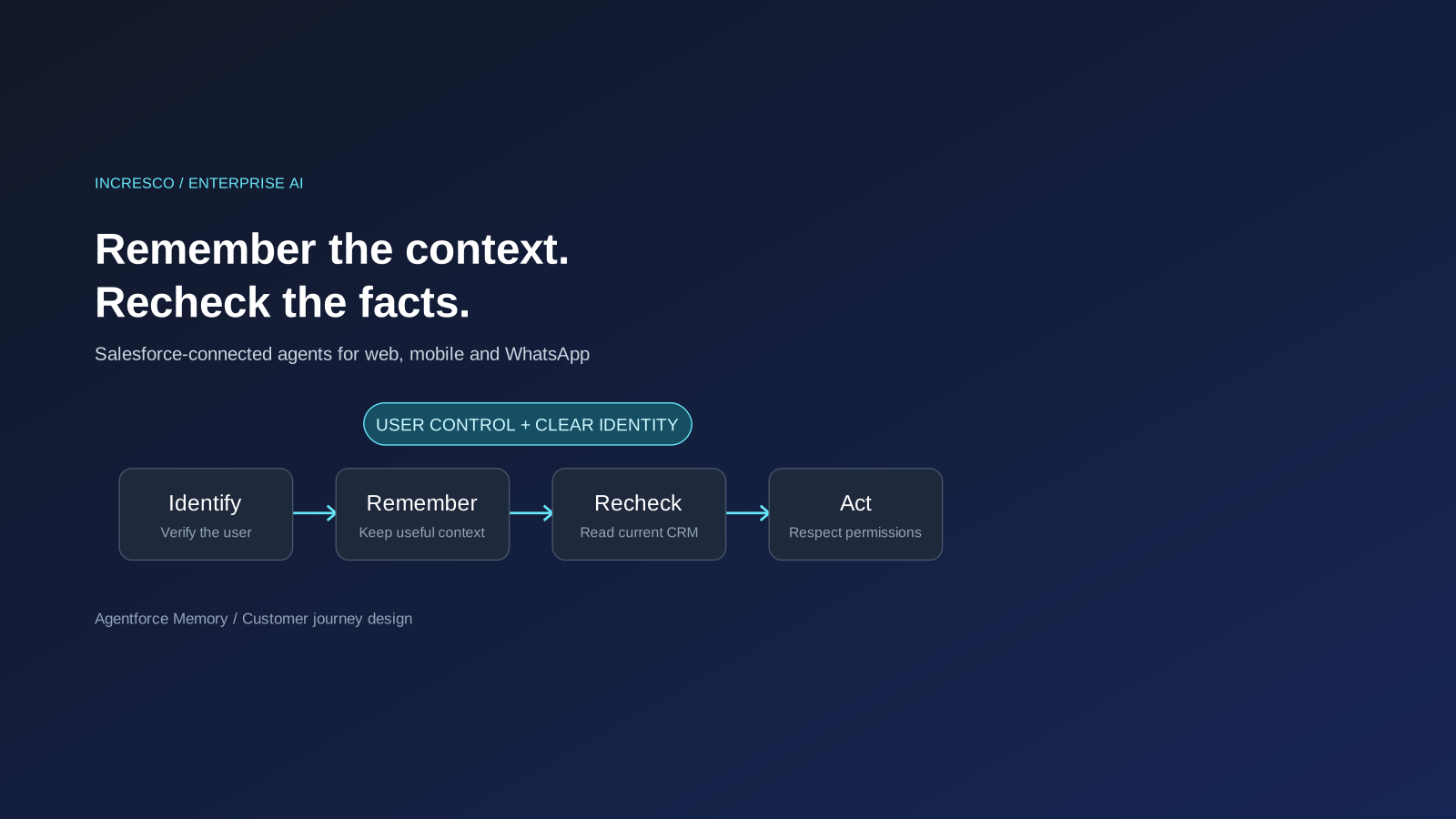
Agentforce Memory: What Salesforce and WhatsApp AI Agents Should Remember
Salesforce's new Agentforce Memory engineering article explains persistent context. What should web, mobile and WhatsApp AI agents remember, refresh or forget?
Read Insight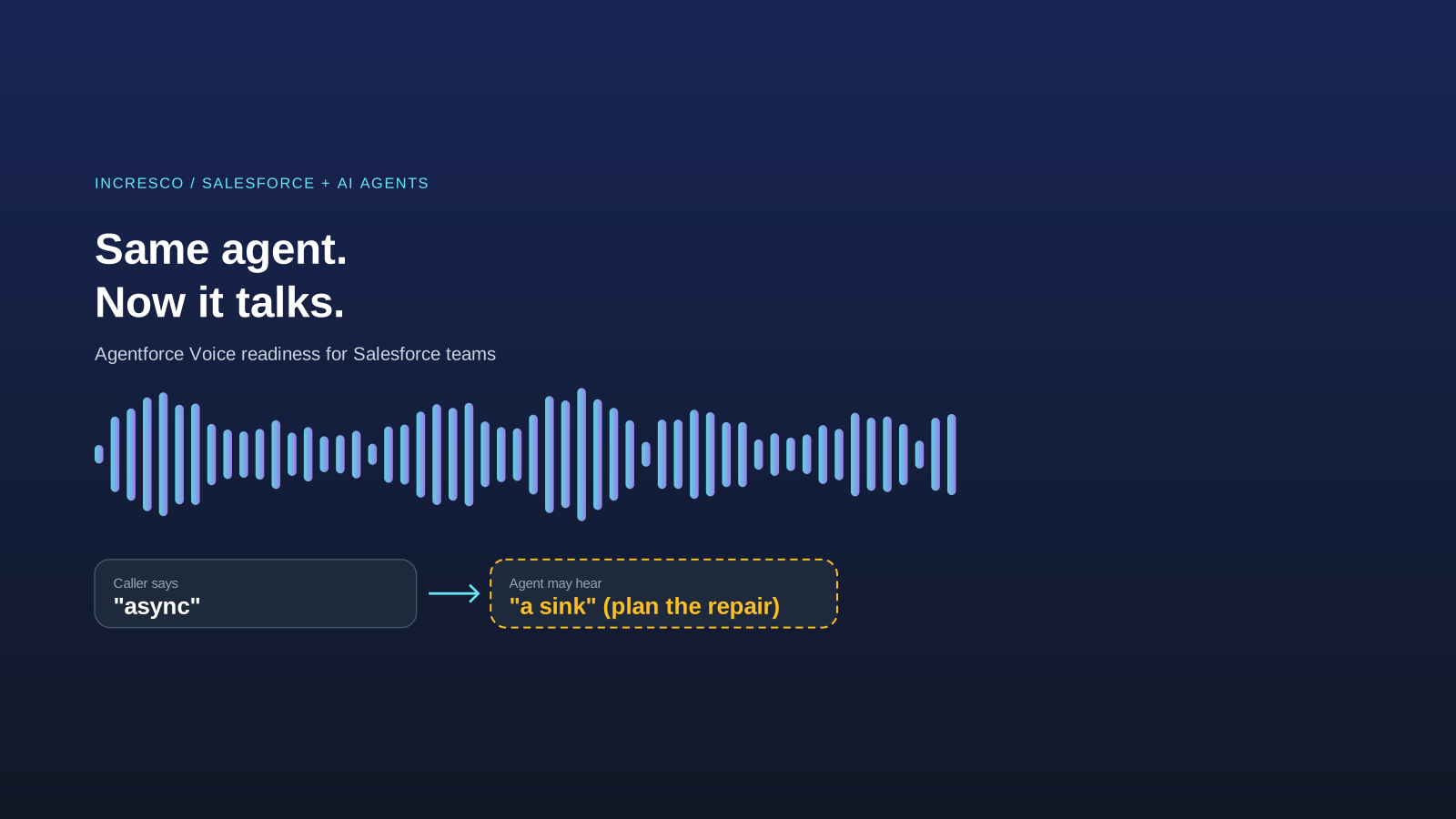
Engineering
Agentforce Voice for Agent Script: What to Check Before Your Salesforce Agent Starts Talking
Salesforce says you can add voice to an Agent Script agent without a rewrite. See what your org needs first and how to write agent instructions for the ear.
Read Insight