Blog Article
WhatsApp AI Assistant for Customer Support: What to Set Up Before You Launch
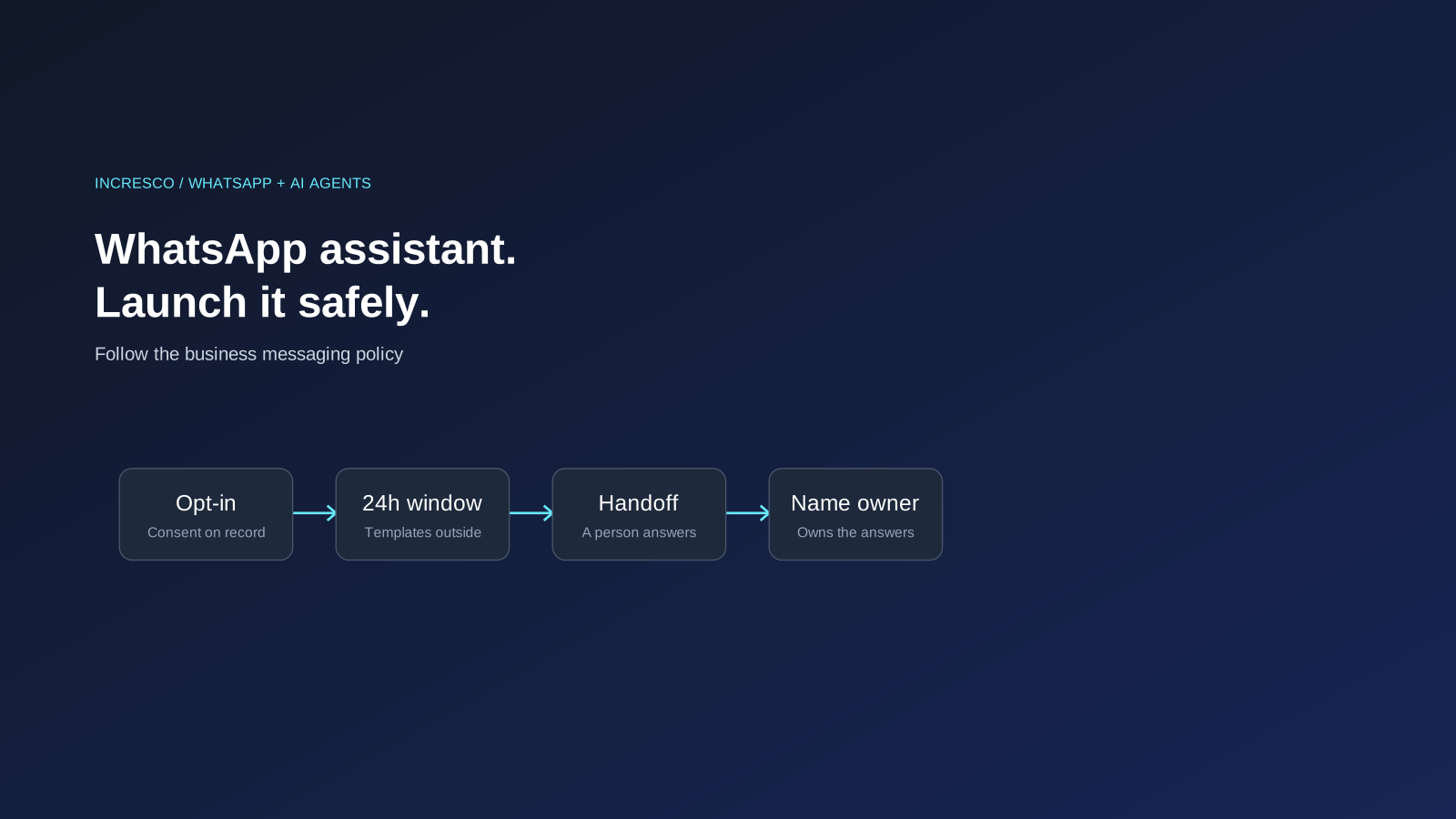
Launching an AI assistant on WhatsApp? Meta's business policy sets rules on opt-in, the 24-hour window, templates and human escalation. Here is a launch checklist for the business owner.

Your customers already use WhatsApp, so an AI assistant that answers their questions there is an obvious idea. It can also go wrong in ways that cost you trust, or your access to the channel. Meta, which runs WhatsApp, publishes a Business Messaging Policy, and several of its rules decide how you should design an assistant before launch.
This post is a launch checklist for the business owner, based on that policy. It is not legal advice, and the policy can change, so read the current version before you build.
What Does Meta’s Business Policy Say?
These points come from the WhatsApp Business Messaging Policy. The rules on templates, the 24-hour window and automation sit in its section on WhatsApp Business Platform specific terms, so they apply when you use the WhatsApp Business Platform.
- Opt-in comes first. You may only contact people on WhatsApp if they have given you their mobile number and you have received opt-in permission confirming they want to receive later messages or calls from you. The policy says you are responsible for choosing the opt-in method and for following the law that applies to you.
- Respect opt-out. You must respect requests, on or off WhatsApp, to block, stop or opt out of communications from you.
- Start with a template. You may only start a conversation with an approved Message Template. Meta may review, approve, pause or reject a template at any time.
- The 24-hour window. You may reply to a user message without a template within 24 hours of the last user message. Outside that window you may only send approved templates.
- Automation needs an exit. You may use automation when responding during the 24-hour window, but you must also have prompt, clear and direct escalation paths. The policy lists examples such as an in-chat human agent transfer, email, or an in-store visit.
- Do not mislead. The policy says you must not mislead customers about the nature of your business, and you must keep a business profile with accurate support contact details.
- Quality counts. Meta says people can block or report businesses, and it may limit how many messages a business can send if its quality tier stays low for a sustained period.
A Launch Checklist
- Collect opt-in properly. Decide where and how customers agree, such as a web form or checkout, and keep a record. Write down what you tell them.
- Make opting out easy. Make sure a request to stop reaches the assistant and your records, and is honoured everywhere.
- Design for the 24-hour window (WhatsApp Business Platform). A new message from the customer opens the window again, and you can reply freely within 24 hours of it. A template is needed only when you message the customer after 24 hours have passed since their last message. Decide which templates you need and what each is for.
- Build the handoff first. Choose how a customer reaches a person: transfer in the chat, an email address, or another route. Test that it works and that someone answers.
- Set what the assistant may answer. Limit it to approved material such as your policies, product information and order status. Tell it to hand over when it is unsure.
- Say what it is. Make it clear to customers that they are talking to an automated assistant, and keep your business profile accurate.
- Test with real conversations. Use real questions from your inbox, including angry ones and unclear ones.
- Watch the signals. Track blocks, reports and complaints, because they affect your quality standing. Review conversations every week at first.
- Name an owner. One person should own the assistant, its answers and its templates.
What to Decide Before You Build
| Decision | Why it matters |
|---|---|
| Which questions it answers | Keeps it inside material you have approved |
| Which actions it can take | Looking up an order is lower risk than changing one |
| When it hands over | Protects the customer and your reputation |
| Who reviews conversations | Catches wrong answers early |
| Which languages it supports | Each one needs testing |
The Rule to Adopt
Before a WhatsApp assistant goes live, make sure opt-in, opt-out, approved templates and a human handoff all work, and name one owner for what the assistant says.
How Incresco Helps
Incresco is a Claude partner. We build web and mobile applications, cloud systems, Salesforce solutions, WhatsApp experiences and AI agents. For businesses launching an assistant on WhatsApp, we help set up the consent, template and handoff design before building, and connect it to your systems. See our AI transformation, system integrations and AI strategy services.
Planning a WhatsApp assistant for customer support? Contact Incresco and ask for a WhatsApp AI launch review. We will go through your use case, your consent and handoff plan and your systems, and tell you what to fix before you launch.
Related Articles
Engineering
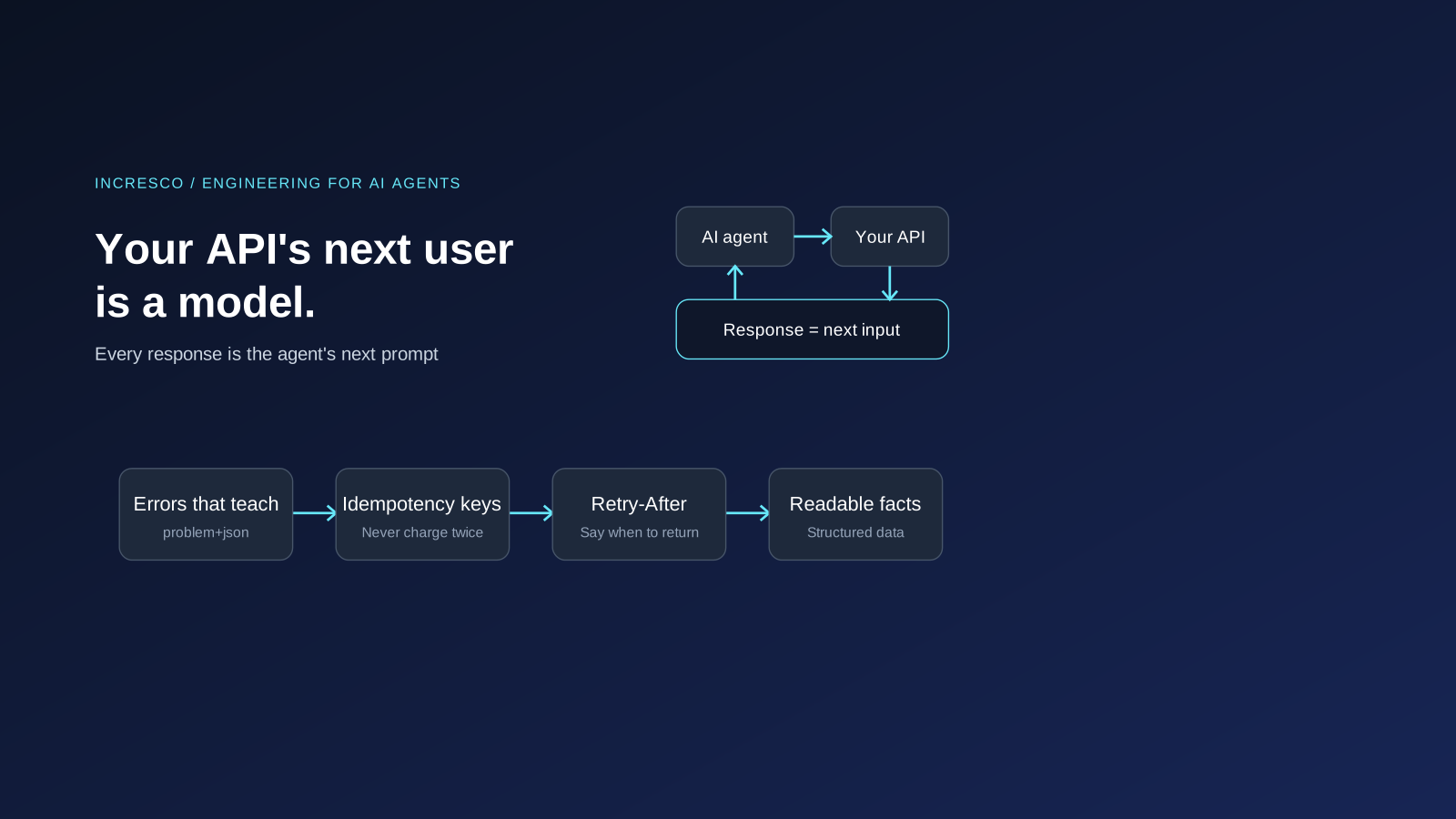
Your API's Next User Is a Model: Agent Experience (AX) for Engineers
AI agents call your API and treat each response as their next prompt. Engineering for them: clear errors, idempotency keys, rate limits and MCP tools.
Read Insight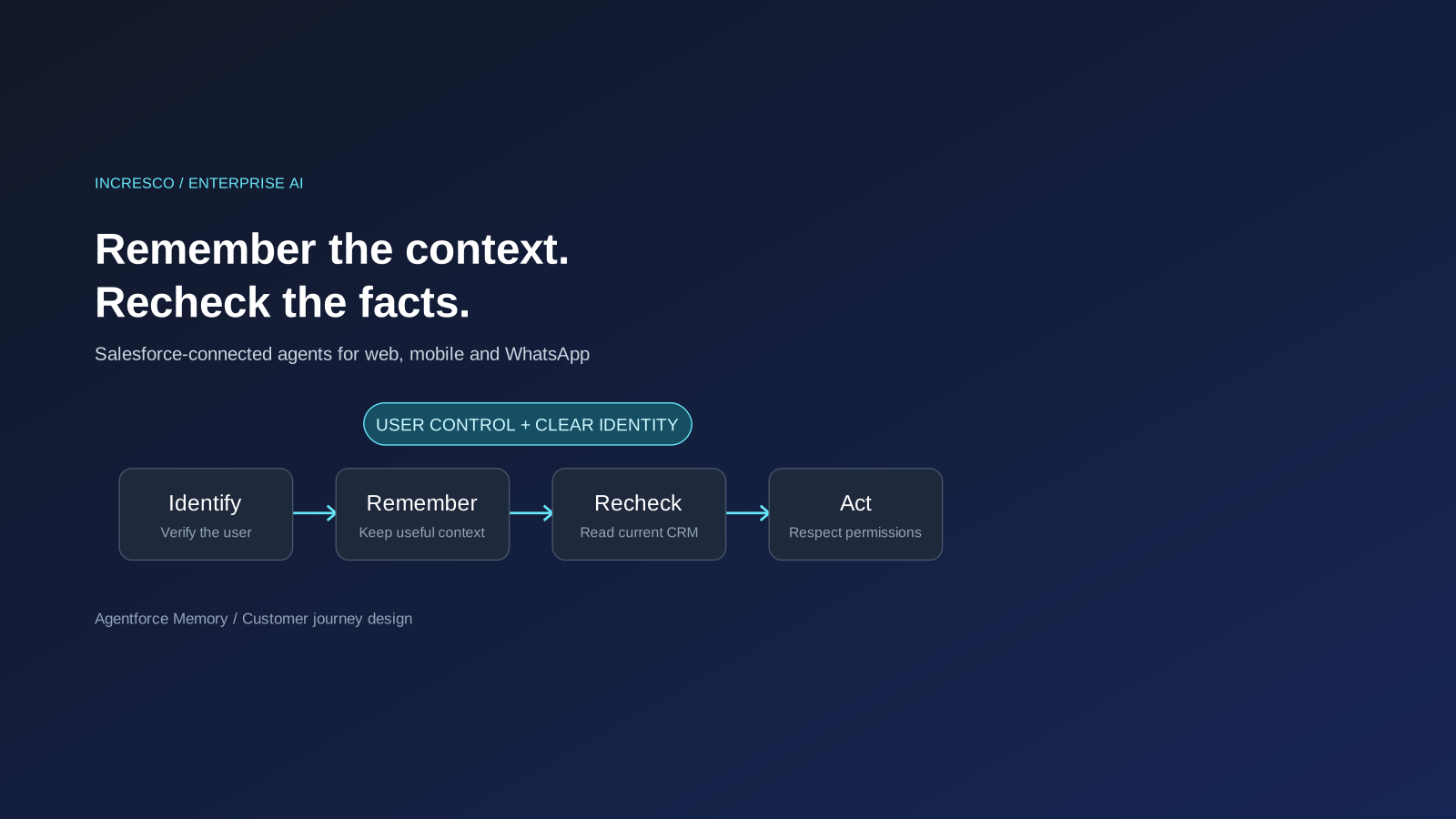
Business
Agentforce Memory: What Salesforce and WhatsApp AI Agents Should Remember
Salesforce's new Agentforce Memory engineering article explains persistent context. What should web, mobile and WhatsApp AI agents remember, refresh or forget?
Read Insight