Blog Article
Salesforce Headless Experience Layer: One Widget for Every AI Agent Surface
Salesforce introduced the Headless Experience Layer (beta): define a widget once and render it in Agentforce and in MCP clients. Here is what Salesforce says, and the rule to set before agents show your data.

When an AI agent answers a question about your business, the answer is often a block of text. Users lose the cards, ratings and buttons they are used to in Salesforce. Teams that build agents then face a second problem: rebuilding the same screen for every place an agent can live.
Salesforce has published a developer guide to the Headless Experience Layer, or HXL. It is in beta. This post covers what Salesforce says it does, what to check before you build on it, and the rule we think every business should set first.
What Did Salesforce Publish?
The Salesforce Developers Blog post from October 7, 2026 describes HXL like this.
- Define a widget once. Salesforce says you define a widget in declarative JSON, and it renders natively in Agentforce and in any Model Context Protocol (MCP) client that supports MCP Apps.
- It is not an LWC or a React app. Salesforce describes a widget as a declarative tree of components that each surface renders natively.
- Three building blocks. Components are reusable UI pieces. Widgets combine components for one use case. Custom Lightning Types describe the shape of your data and tell the platform which widget draws it.
- Data comes from your action. In the example, an Apex invocable action returns the data. A widget only displays what the action returns.
- Two wiring paths. For Agentforce, one Custom Lightning Type is typed to the Apex class. For MCP clients, Salesforce says you add two nested types, because an MCP tool call wraps the output in an envelope.
- Interaction is limited in the beta. Widgets can use two client actions,
sendMessageandopenLink.
What Does Salesforce Say About Security?
Salesforce lists this as a core benefit: a widget only displays what your action returns. When the action enforces sharing and field-level security, Salesforce says every surface shows each user only what they are allowed to see.
That sentence puts the security work in the action, not the widget. A widget cannot fix an action that returns too much.
What Should You Check Before You Build?
| Item | What Salesforce says |
|---|---|
| Status | Headless Experience Layer is a beta. You turn it on in Setup and accept the beta terms. |
| Version | Your project should use API version 67.0 or later. |
| Reliability | The model still decides when to show the card. In Salesforce’s testing, it usually renders on the first question in a fresh conversation, and follow-up questions sometimes come back as text. |
| Preview | The HXL Playground previews can differ from the live experience. Test on each target surface. |
| Clients | MCP rendering needs a client that supports the MCP Apps standard. Salesforce names Claude and ChatGPT as examples. |
Why Should Business Teams Care?
If you run Salesforce, or pay a partner to build agents on it, the question moves from “can the agent answer?” to “what does the agent show, to whom, and where?”
- One definition is easier to govern than five. A single widget and a single action serve every channel, so there is one place to review.
- More surfaces mean more places data appears. The same card can now show up in tools your staff use outside Salesforce. Every one of them deserves a decision.
- Beta means change. Terms, limits and behavior can move. A plan that assumes they will not is a risk.
None of this is a reason to wait. It is a reason to decide who owns what an agent is allowed to show.
A Short Checklist Before Agents Show Your Data
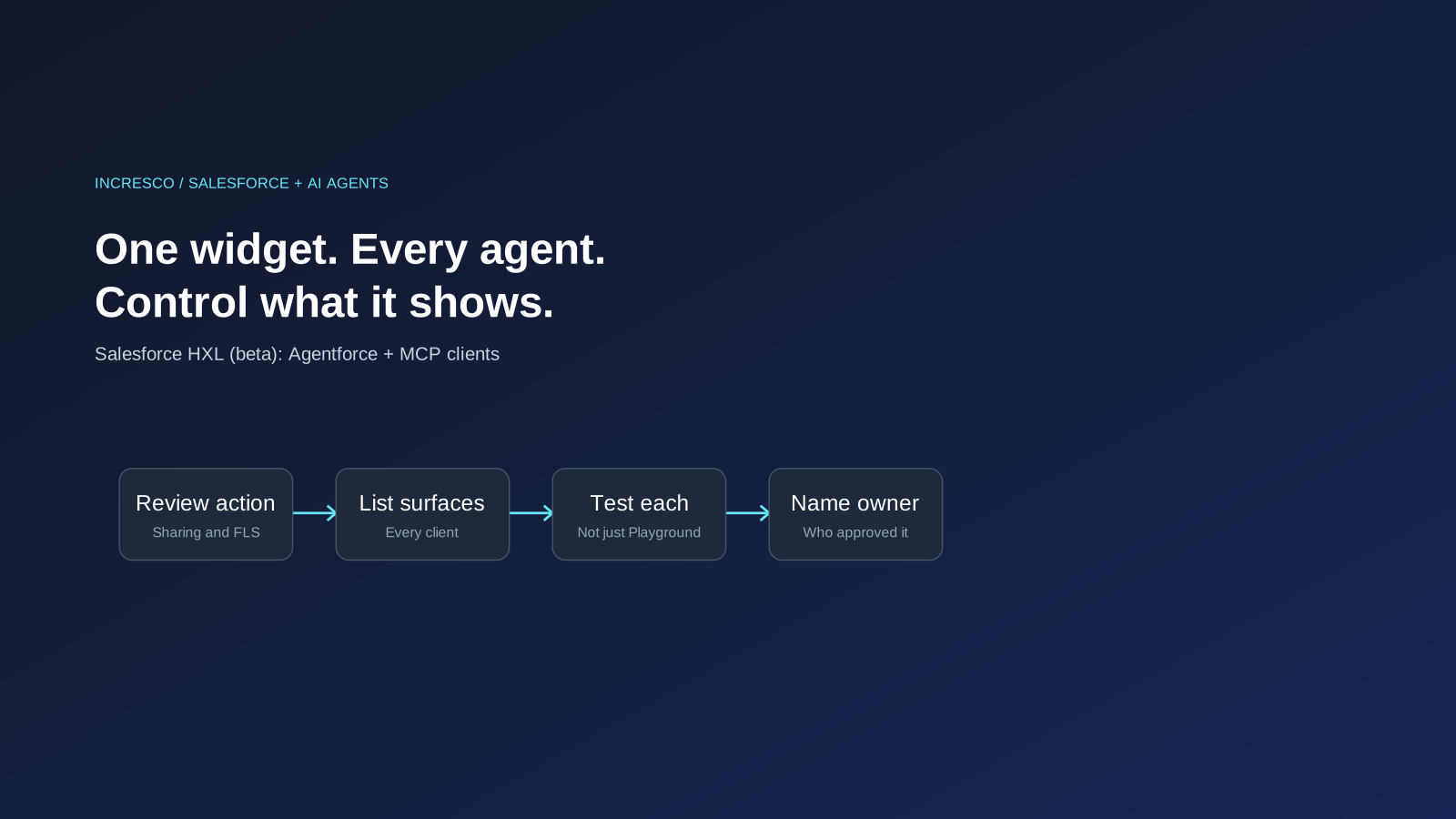
- Review the action first. Confirm it enforces sharing rules and field-level security before any widget is attached.
- List the surfaces. Write down every agent and client where a widget may render.
- Decide what is allowed on a card. Not every field that a user may see belongs in a chat window.
- Test on every target surface. Do not rely on the Playground preview alone.
- Plan for text fallback. The model may answer in plain text. Make sure that answer is also safe.
- Name an owner. One person should be able to answer “which widgets are live, where, and who approved them?”
The Rule to Adopt
Before an agent can show Salesforce data on any surface, a named owner must review the action behind it and approve each place it appears.
How Incresco Helps
Incresco is a Claude partner. We build web and mobile applications, cloud systems, Salesforce solutions, WhatsApp experiences and AI agents. For teams putting agents on top of Salesforce, we help set the rules first: what an agent may show, to whom, and who signs off. See our AI transformation, Salesforce consulting and system integrations services.
Planning agents on top of Salesforce? Contact Incresco and ask for an agent surface review. We will go through which actions your agents call, what each one returns, and where it could appear, and tell you which controls to put in place first.
Related Articles
Engineering
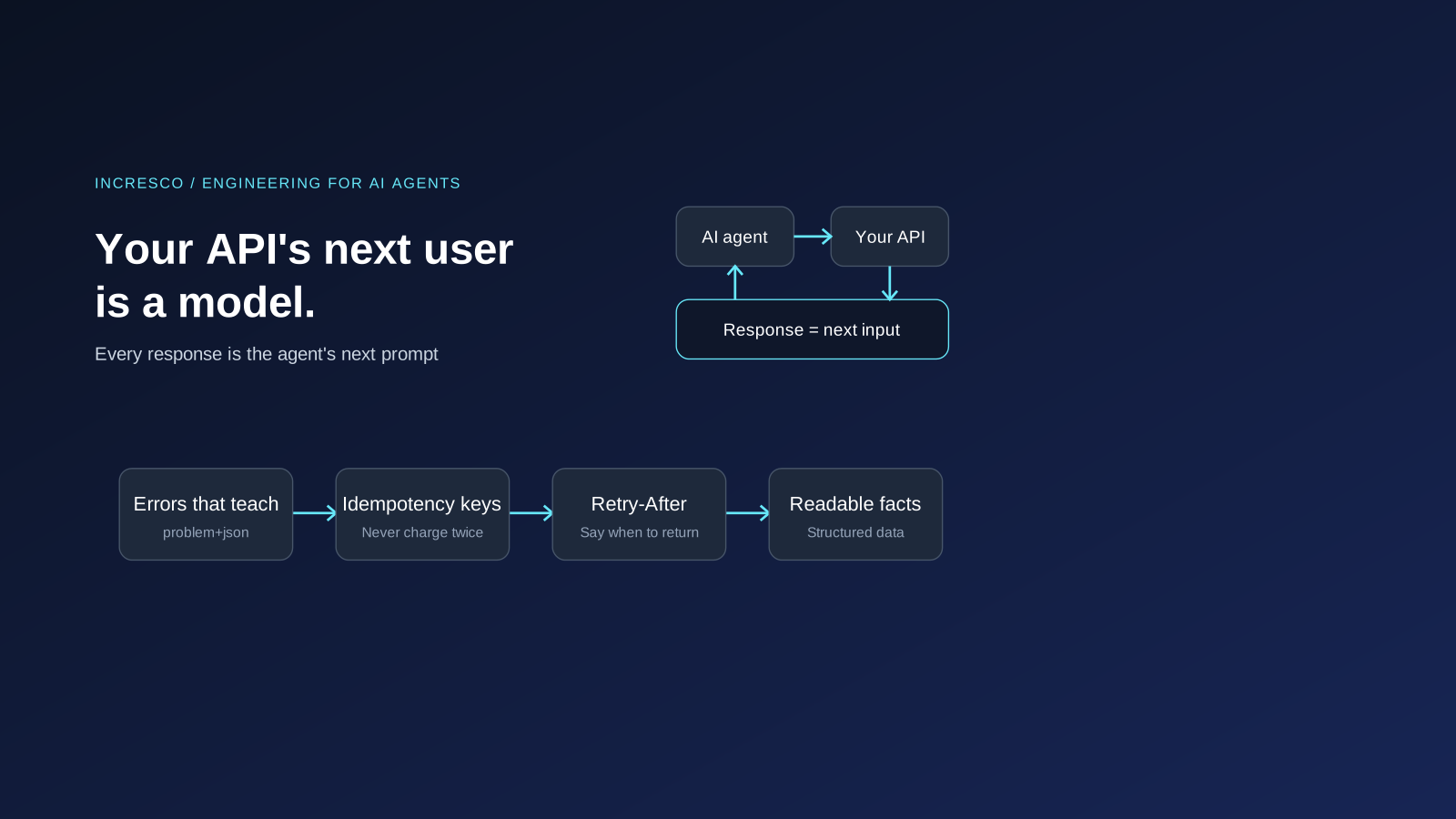
Your API's Next User Is a Model: Agent Experience (AX) for Engineers
AI agents call your API and treat each response as their next prompt. Engineering for them: clear errors, idempotency keys, rate limits and MCP tools.
Read Insight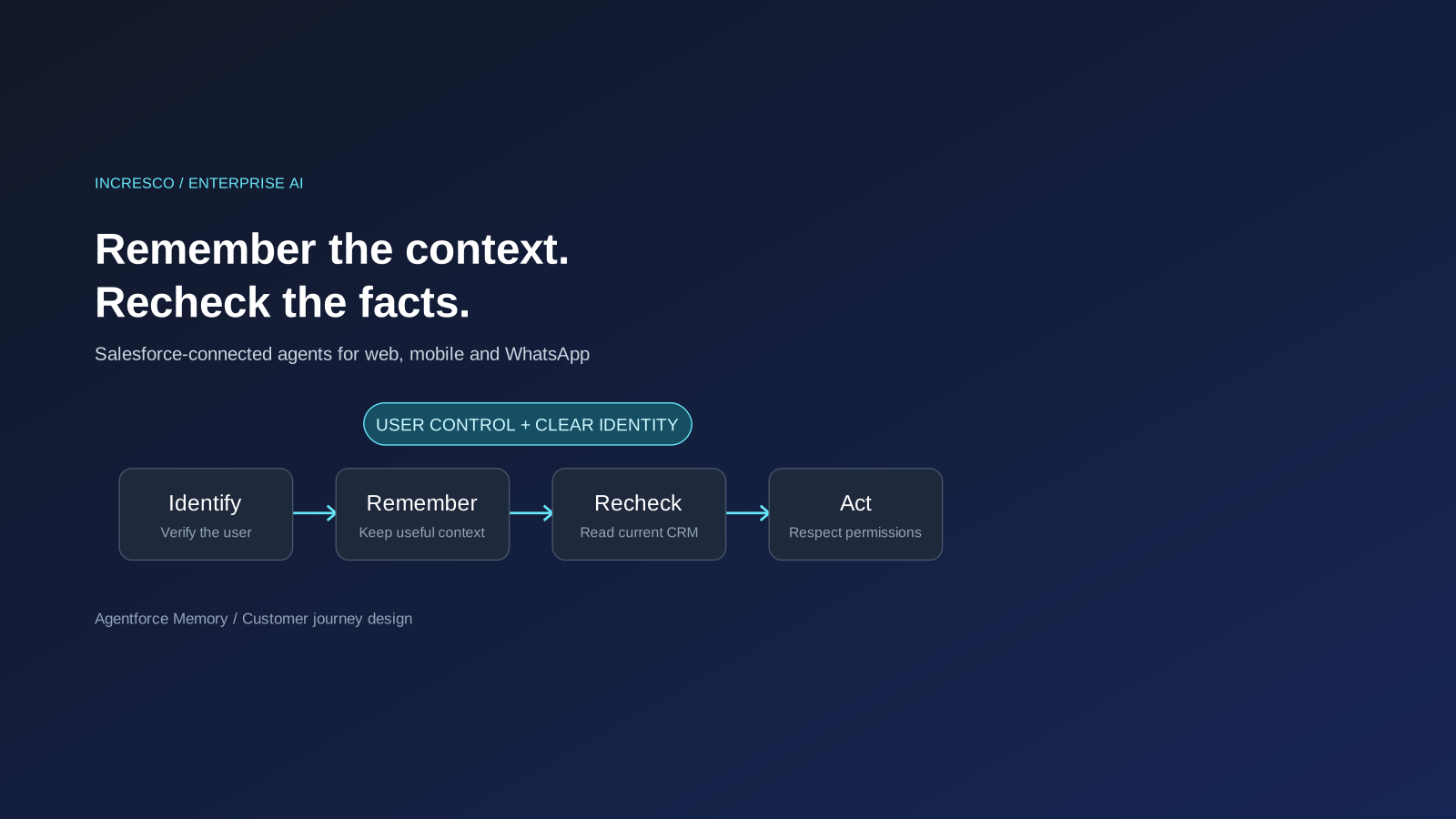
Business
Agentforce Memory: What Salesforce and WhatsApp AI Agents Should Remember
Salesforce's new Agentforce Memory engineering article explains persistent context. What should web, mobile and WhatsApp AI agents remember, refresh or forget?
Read Insight