Blog Article
Next.js 16.4 Cache Components: How to Plan the Upgrade for an Existing App
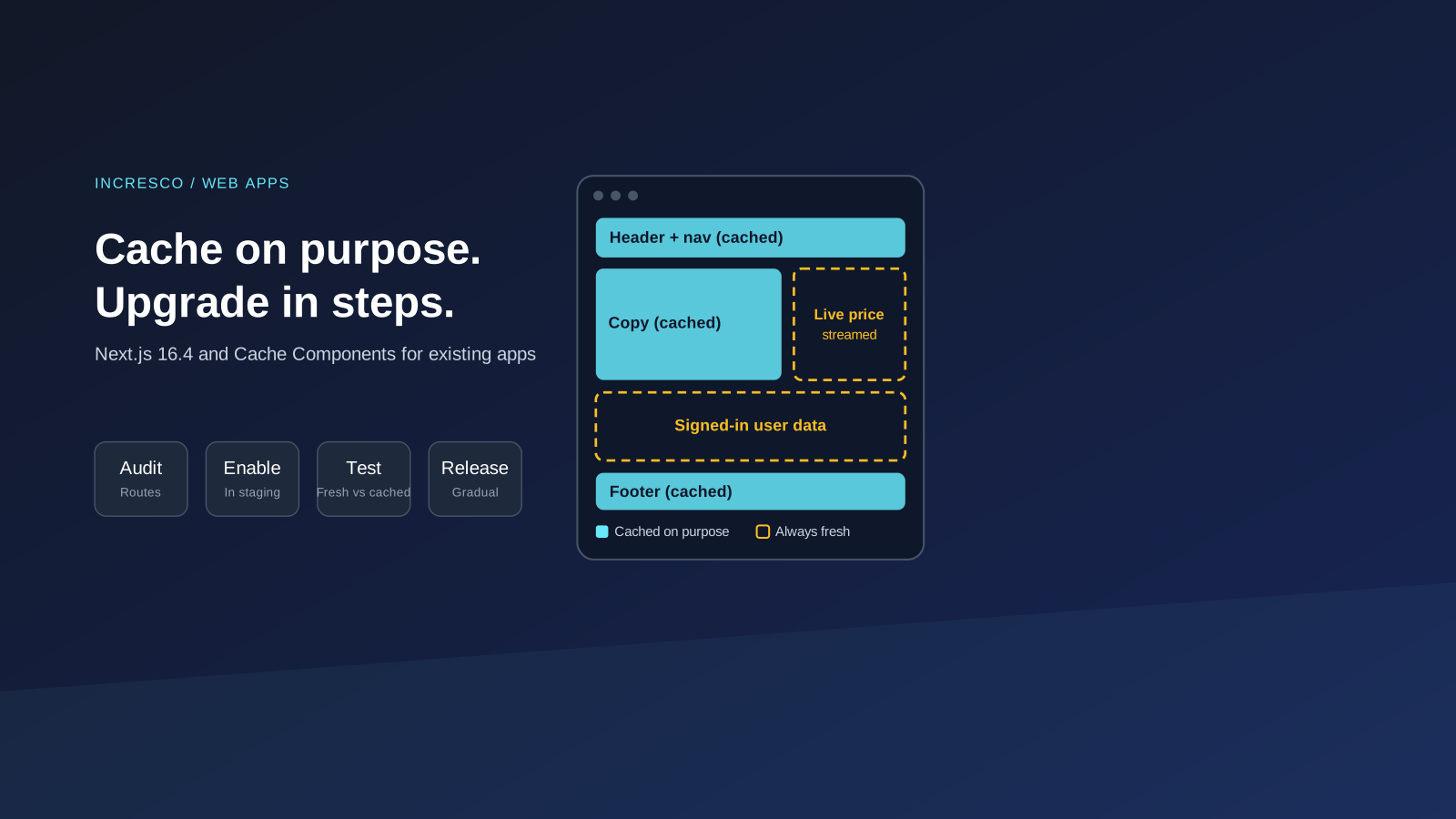
Next.js 16.4 recommends Cache Components for every app and makes them the default in Next.js 17. Plan the upgrade for your existing app in five steps.

Next.js 16.4 changes the advice for every team that runs a Next.js app. The Next.js team now recommends a caching model called Cache Components for all apps, and says it will become the default in Next.js 17. If your company’s website or web app uses Next.js, you can plan the move now instead of in a hurry later.
This guide covers what the Next.js 16.4 release post says and what we recommend you do about it.
What Does Next.js 16.4 Say About Cache Components?
According to the release post:
- Cache Components is a programming model that lets you mark parts of the component tree as eligible for caching. The post compares the
'use cache'directive to a component-level Cache-Control header. - Next.js says Cache Components “will become the default in Next.js 17”.
- Starting with 16.4, the team recommends Cache Components for every Next.js app. New apps created with
create-next-apphave it enabled by default. - For existing apps, you enable it with two flags in your Next.js config:
cacheComponentsandpartialPrefetching. - A new
next upgrade --agentcommand gives coding agents version-specific upgrade guidance, and the team provides Skills to help agents refactor for Cache Components. - Next.js 16.4 ships with React 19.3, and the post lists less memory and disk use in development, shorter compile times and smaller production bundles.
The post describes the model as making caching opt-in, declarative and composable. These are the vendor’s own claims, so measure the effect on your own app.
Why This Matters to the Business
Caching decisions affect how fast pages load, how current the data looks and how much you pay to serve it. A wrong caching choice can show a customer an old price or a stale order status. A framework default that changes in a major version is a planned cost, so put it on the roadmap.
A Five-Step Upgrade Plan
These steps are our recommendations, not instructions from Next.js.
1. Audit Your Routes and Data
List your routes. Mark which show the same content to everyone, which depend on the signed-in user, and which must always be fresh. This list tells you where caching is safe.
2. Upgrade to 16.4 First, Change Caching Second
Move to 16.4 in a separate release from the caching change. Keep one change per release so you can find the cause of any problem.
3. Enable the Flags in Staging
Turn on cacheComponents and partialPrefetching in a staging environment. Read build errors carefully. Ask your coding agent to propose changes with the provided upgrade command and Skills, then review each change as you would a colleague’s work.
4. Test Fresh Versus Cached
Write tests for pages where stale data would hurt: prices, stock, balances, permissions and personalised content. Check that one user never sees another user’s data. Compare page speed before and after with your own measurements.
5. Release Gradually
Release to a small share of traffic or a low-risk section first. Watch errors, speed and support tickets. Keep a rollback path.
The Rule to Adopt
Treat every default change in a framework’s next major version as a planned project, not a surprise. Audit your routes, change one thing per release, test for stale data where it would cost you money, and roll out gradually. Put the next major release on your roadmap the day it is announced.
How Incresco Helps
Incresco builds web and mobile applications, cloud integrations, Salesforce solutions, WhatsApp experiences and AI agents. For a Next.js upgrade, we would run the route audit, plan the staged release and set up tests for freshness. We also use AI coding agents carefully, with human review of every change, which is the same discipline we recommend for AI transformation. See our custom platform development and cloud and DevOps services.
Want a second pair of eyes on your upgrade plan? Contact Incresco and ask for a Next.js upgrade readiness review. We will map your routes, flag where stale data is risky and propose a staged release.
Sources and Scope
- Next.js 16.4, nextjs.org: Cache Components recommendation, Next.js 17 default, flags, upgrade command, React 19.3 and Turbopack changes.
Source checked October 8, 2026. We did not run the upgrade on a production app. Performance gains in the release post are the vendor’s claims.
Related Articles
Business
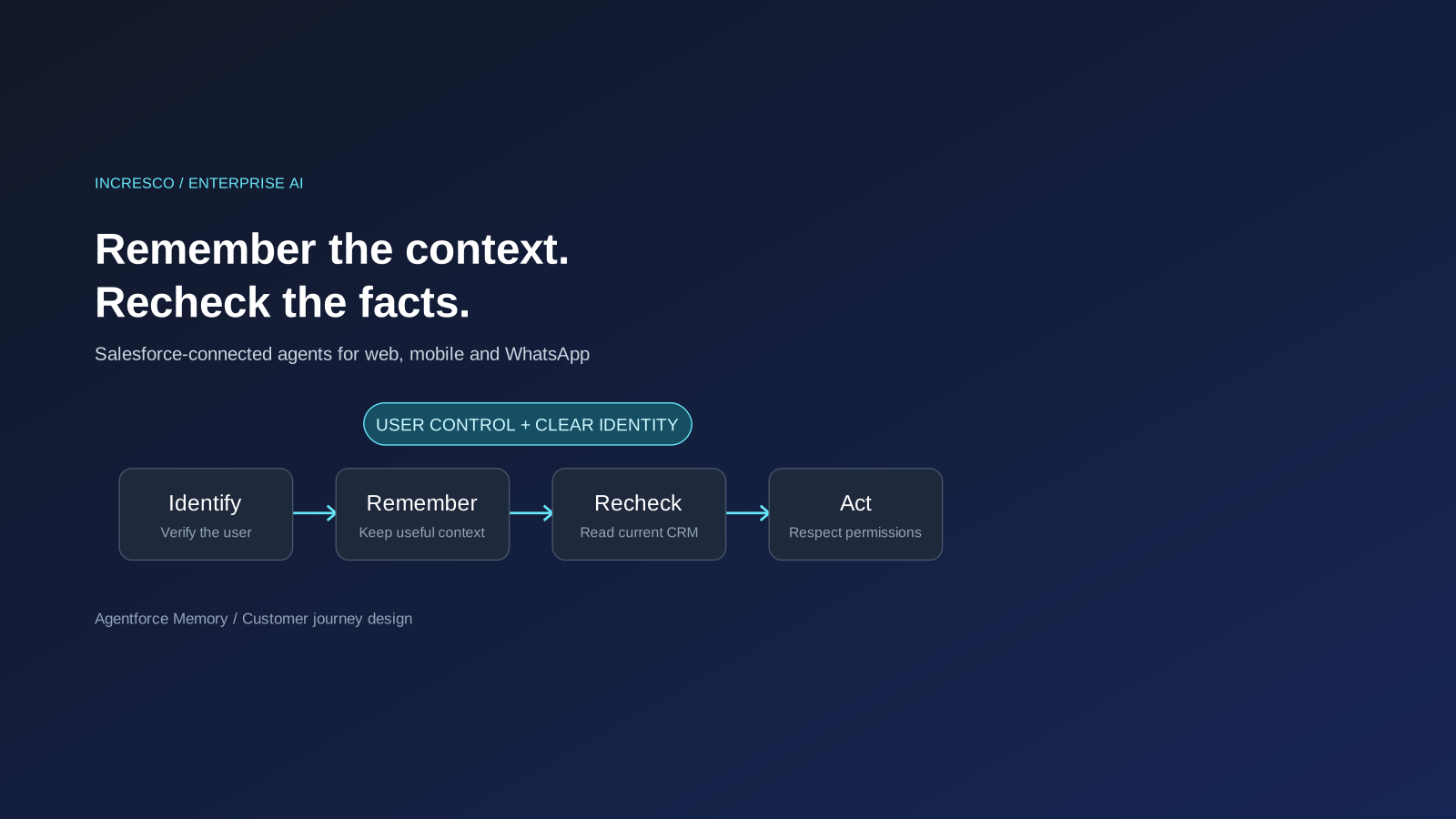
Agentforce Memory: What Salesforce and WhatsApp AI Agents Should Remember
Salesforce's new Agentforce Memory engineering article explains persistent context. What should web, mobile and WhatsApp AI agents remember, refresh or forget?
Read Insight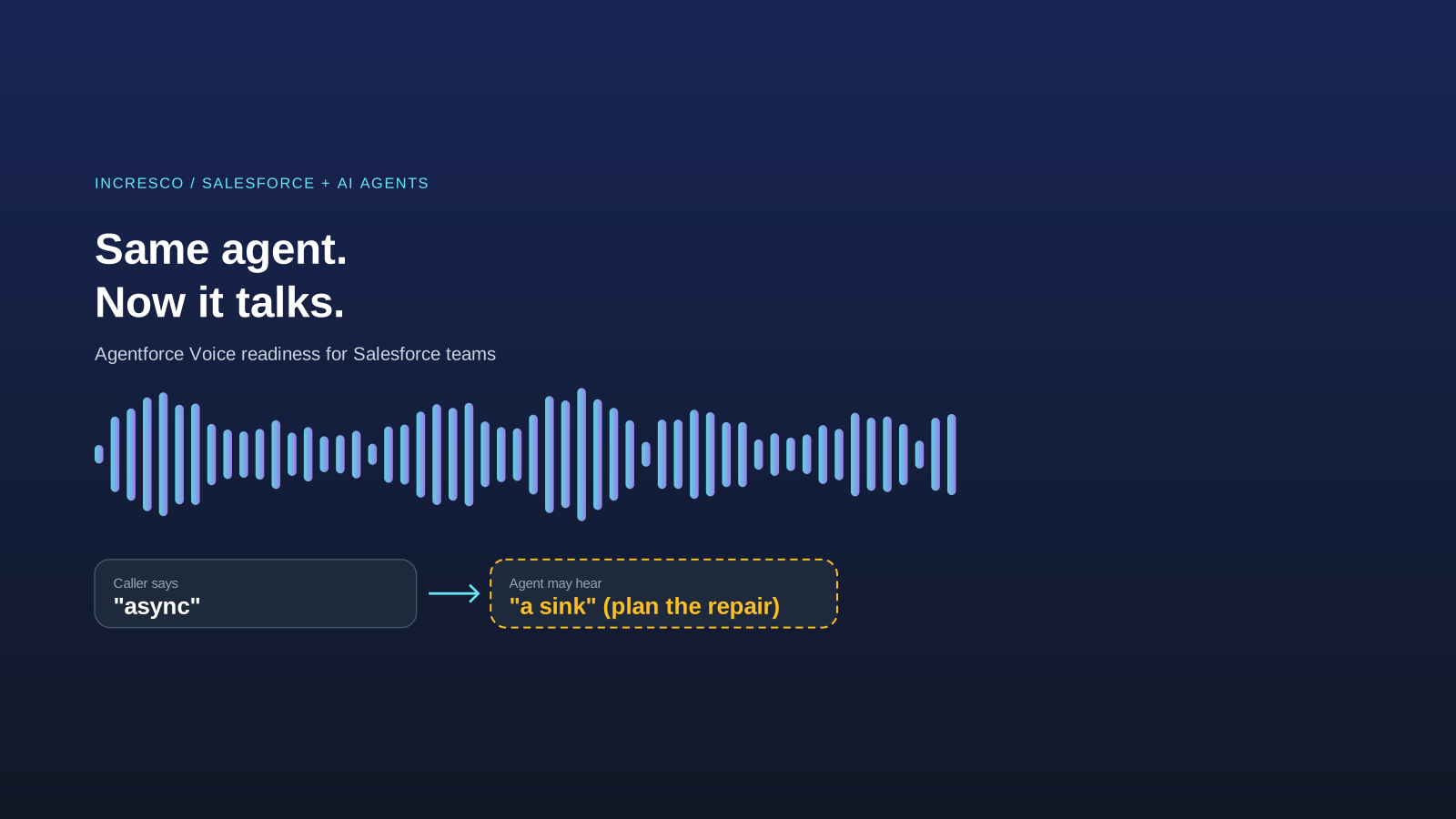
Engineering
Agentforce Voice for Agent Script: What to Check Before Your Salesforce Agent Starts Talking
Salesforce says you can add voice to an Agent Script agent without a rewrite. See what your org needs first and how to write agent instructions for the ear.
Read Insight