Blog Article
iPhone Duo App Readiness: A Checklist Before the October 23 Launch
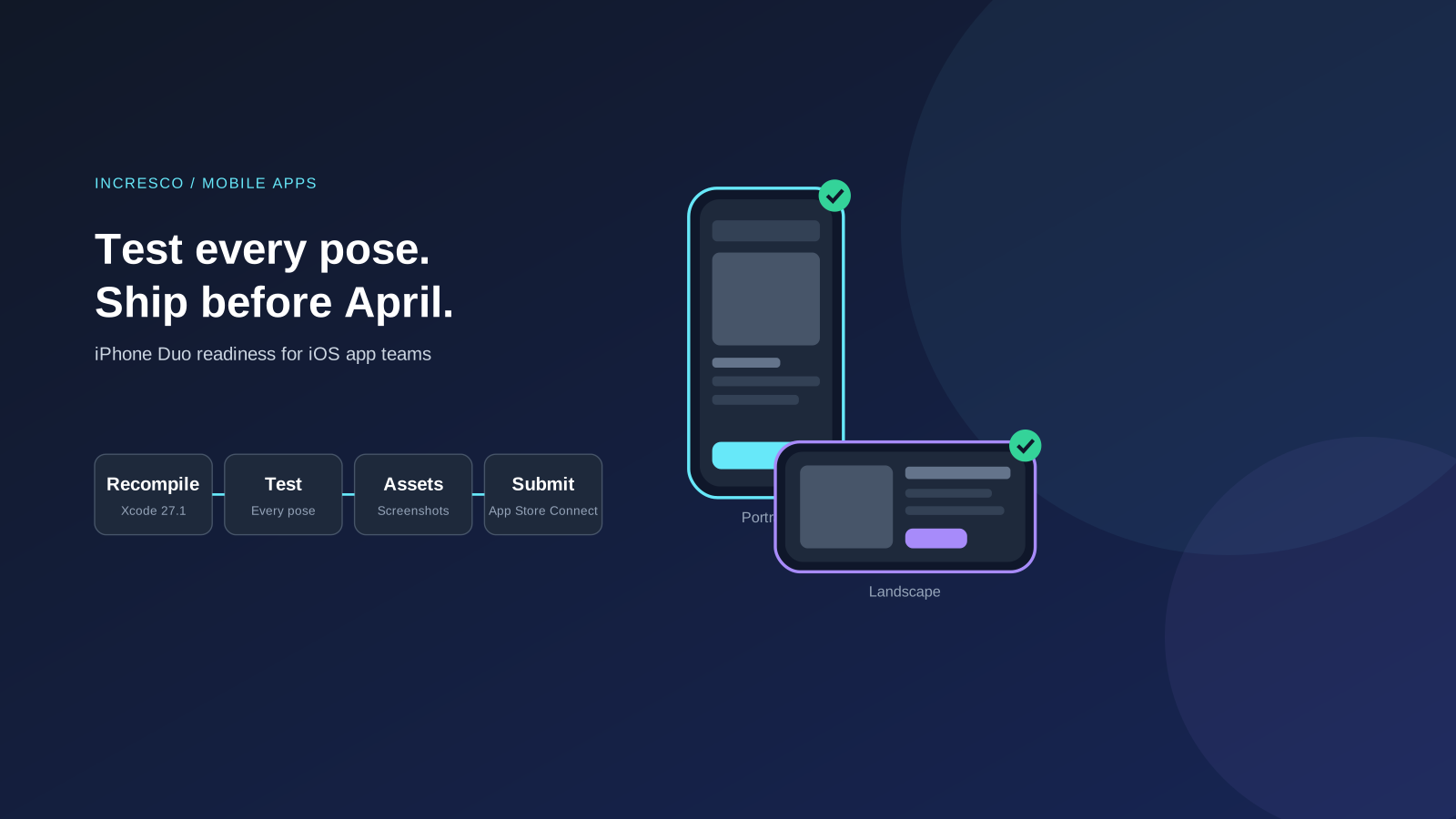
Apple says iPhone Duo is available from October 23, 2026. Use this checklist to recompile, test every pose, update screenshots and submit your iOS app.

Apple has told developers that iPhone Duo will be available to customers from October 23, 2026. If your company has a customer-facing iPhone app, the practical question is simple: will it look and behave correctly on a device you have not tested yet?
This guide separates what Apple has published from what we recommend. We describe only what Apple’s developer announcement states about the device.
What Did Apple Announce?
In a developer news post dated October 5, 2026, Apple says:
- iPhone Duo is available to customers starting October 23, 2026.
- You can recompile existing apps with Xcode 27.1, which adds development support for the device.
- Device Hub lets you see how your app behaves across all poses and orientations.
- Updated screenshot and app preview specifications, design guidance and templates are available. App Store Connect has a new preview tool.
- You can submit iPhone Duo optimized apps and games in App Store Connect now.
- Starting April 2027, apps or games you submit must include screenshots for iPhone Duo.
Apple’s post does not say which of your app’s screens will need changes. That depends on your layout code, so test your own app.
Why This Matters to the Business
An app that breaks on a new device creates support tickets and poor reviews in the weeks when new customers try it first. A missing App Store screenshot becomes a blocker for an update after April 2027. Both are avoidable with a few weeks of planning.
A Readiness Checklist
These steps are our recommendations, based on Apple’s announcement.
1. Recompile With Xcode 27.1
Build your current app with the new Xcode and fix errors first. Treat warnings about deprecated APIs as a to-do list.
2. Test Every Pose and Orientation
Use Device Hub to review your key journeys: sign-in, search, checkout, payments, forms and support. Look for cut-off text, hidden buttons, overlapping content and keyboards that cover fields. Test with large text sizes and in both orientations.
3. Fix Layout Assumptions
Hard-coded sizes and fixed screen assumptions are the usual cause. Prefer flexible layouts, and check any cross-platform code you use against the new device.
4. Plan Store Assets
Check the new screenshot and preview specifications. Decide who produces the images, who approves them and when. Use the App Store Connect preview tool to see how your product page looks.
5. Submit and Monitor
Submit when your tests pass. After release, watch crash reports, reviews and support tickets for the first weeks, and keep a fast-fix path ready.
The Rule to Adopt
Treat every new device or operating system release as a release gate. Within a month of Apple’s announcement, test your top customer journeys, refresh your store assets and name one owner for the result. A new device is not an emergency when it is a routine step in your release calendar.
How Incresco Helps
Incresco builds web and mobile applications, cloud integrations, Salesforce solutions, WhatsApp experiences and AI agents. For an app readiness review, we would test your key journeys, fix the layouts that fail, and set up crash and feedback monitoring. We also look at where an AI agent could cut repeat support tickets after a release. See our custom platform development and AI transformation services.
Not sure which of your app’s journeys will break first? Contact Incresco and ask for an app readiness review of your top five journeys. We will tell you where to look first and what to fix before October 23.
Sources and Scope
- Apple Developer News, October 5, 2026: Prepare and submit your apps for iPhone Duo: availability date, Xcode 27.1, Device Hub, store assets, submission and April 2027 screenshot requirement.
Source checked October 8, 2026. We did not test any app on the device. The checklist is our own recommendation.
Related Articles
Business
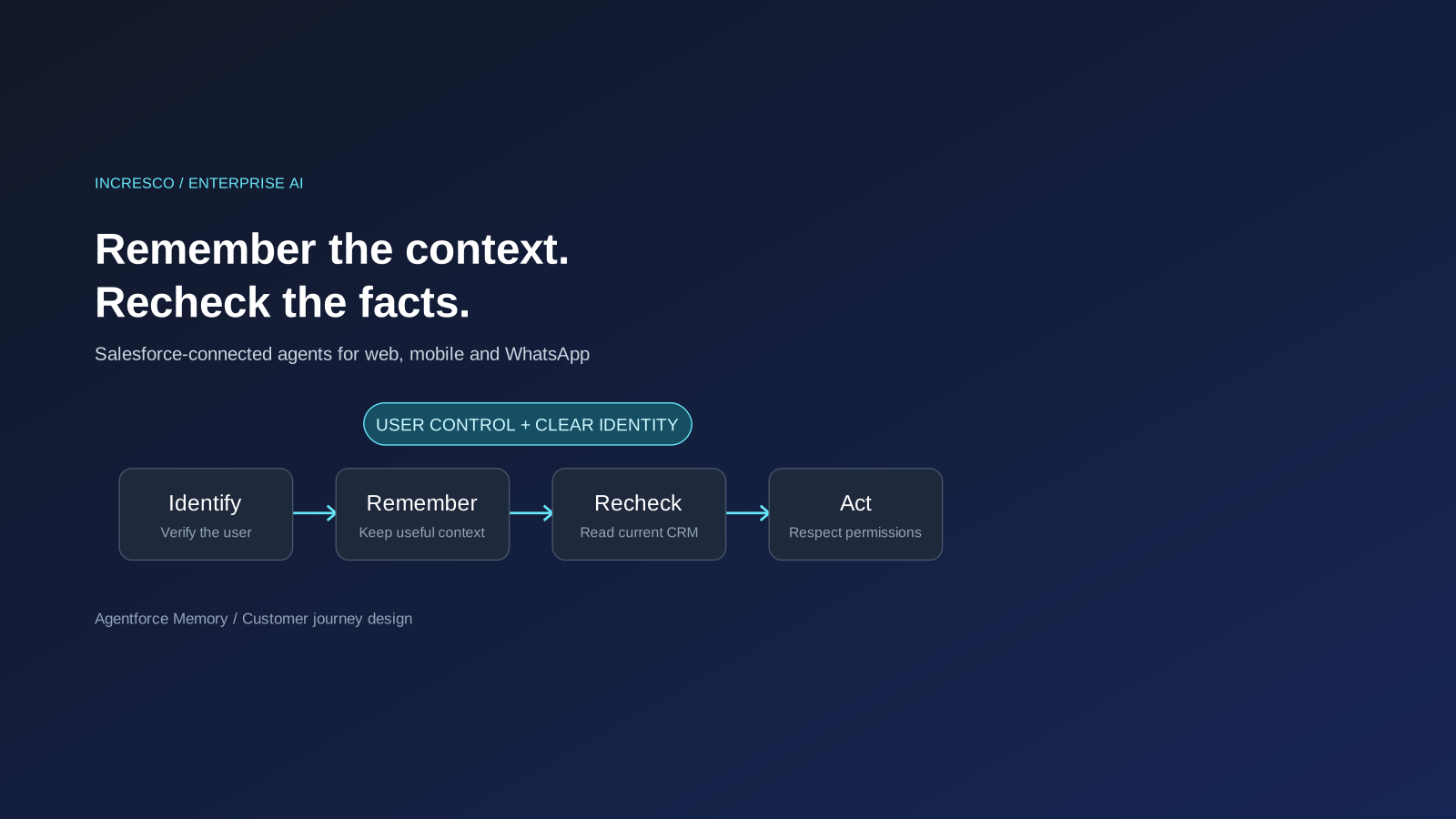
Agentforce Memory: What Salesforce and WhatsApp AI Agents Should Remember
Salesforce's new Agentforce Memory engineering article explains persistent context. What should web, mobile and WhatsApp AI agents remember, refresh or forget?
Read Insight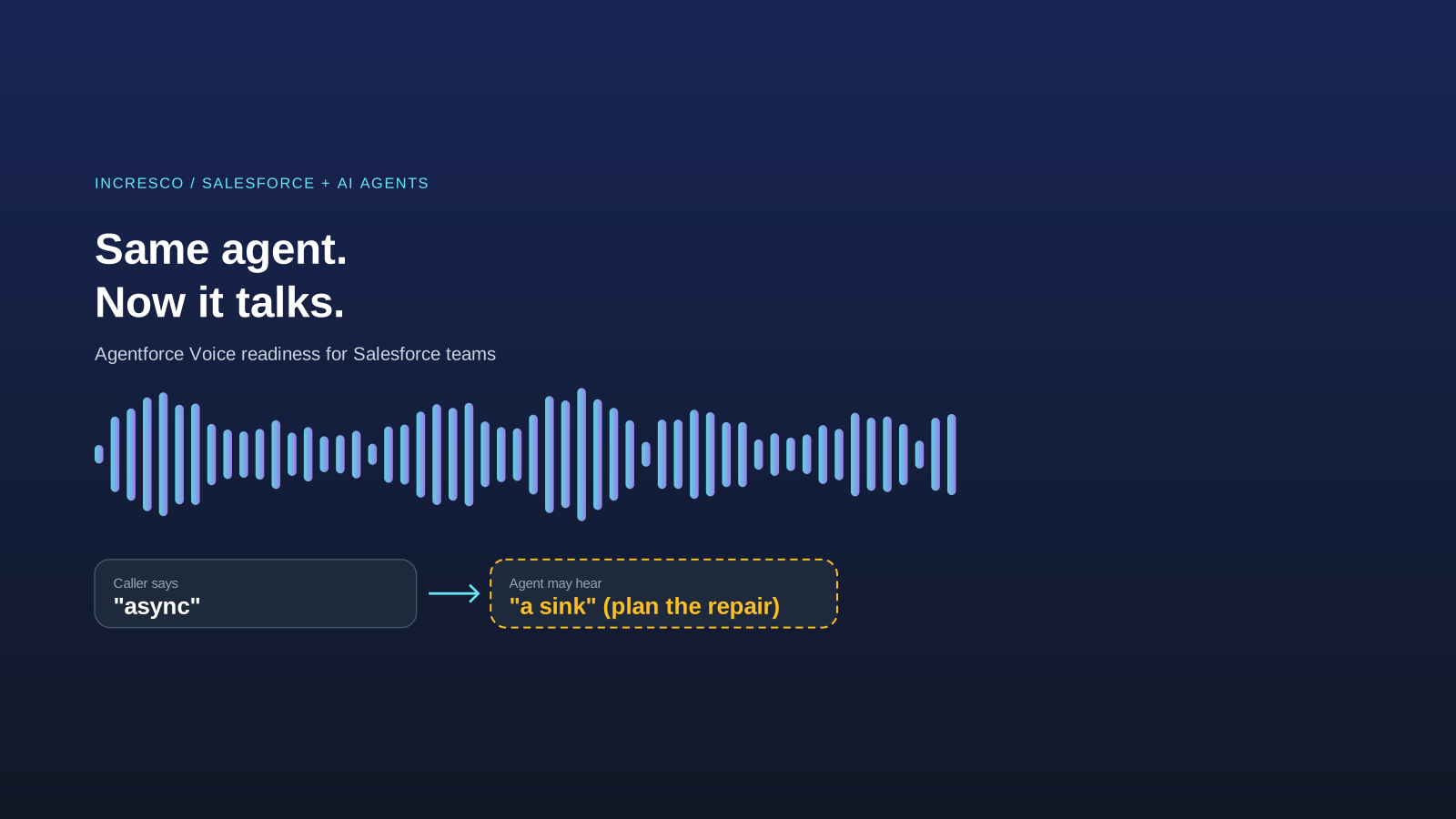
Engineering
Agentforce Voice for Agent Script: What to Check Before Your Salesforce Agent Starts Talking
Salesforce says you can add voice to an Agent Script agent without a rewrite. See what your org needs first and how to write agent instructions for the ear.
Read Insight